Showing posts with label xhorse remote key. Show all posts

9/14/2026

Xhorse Red PCB Toyota Remote Write Error Solution

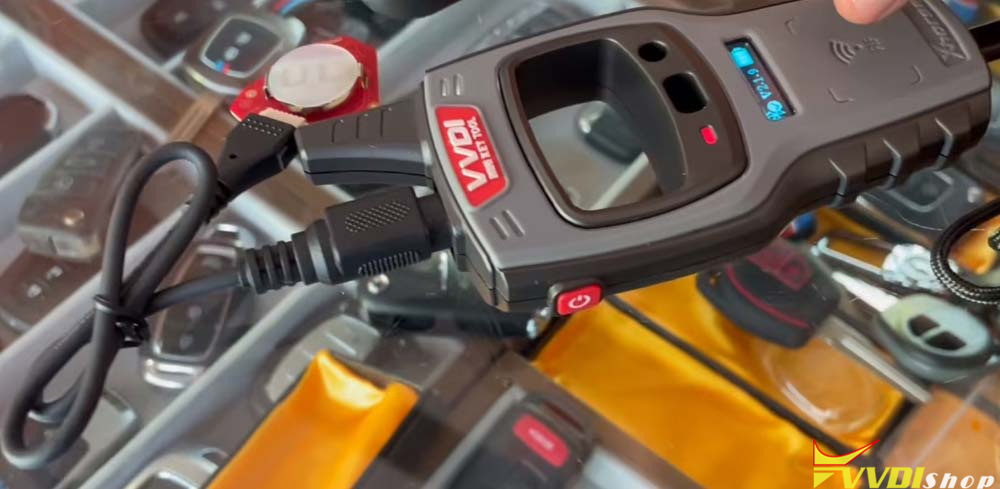
If you work with Toyota smart keys and remote generation, you may have recently noticed a significant change in the hardware being shipped by Xhorse. The new stock of XKTO series Toyota remotes (XKTO24EN, XKTO25EN, XKTO22EN etc.) has arrived with a Red PCB, replacing the previous Green PCB versions.

Because many users are utilizing these remotes to build modified flip keys, there has been some confusion regarding the cloning and generation process. If you are encountering a “Write Error” while trying to generate a Red PCB Toyota remote, this guide will provide the simple solution.

Xhorse Red PCB Toyota Remote Write Error 1

Green PCB vs. Red PCB: What’s the Difference?

Up until recently, the Toyota remotes used a Green PCB. The method for generating and cloning these older versions was different from the new stock. The new Red PCB remotes require a slightly different approach, particularly when it comes to how the device connects to the remote during the writing process.

Xhorse Red PCB Toyota Remote Write Error 2
The Problem: The “Write Error”

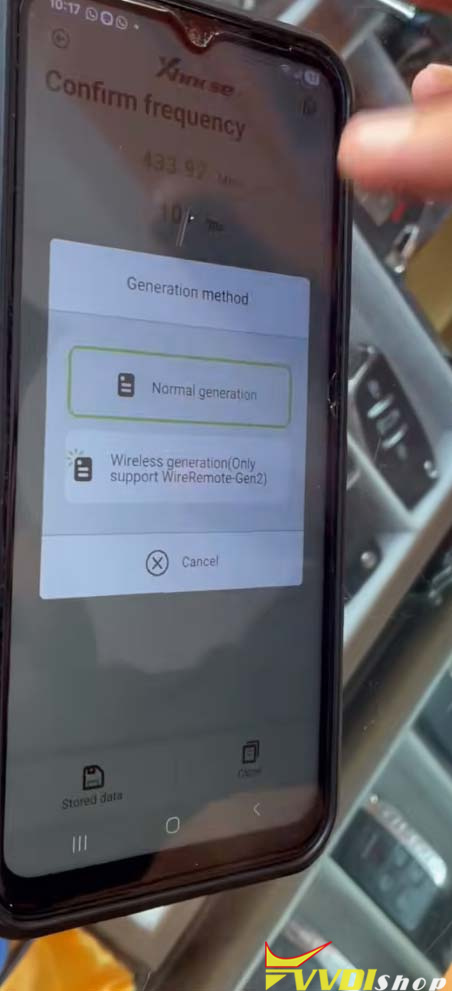
When attempting to generate a Toyota remote with a Red PCB via a wired connection, choose normal generation. many users are running into a “Write Error.”

It is important to note that this error does not appear on every single remote, but it is a common occurrence with the new Red PCB stock. If you see this error on your device (such as the VVDI Mini Key Tool), do not panic. There is a very simple workaround.

Xhorse Red PCB Toyota Remote Write Error 3

Xhorse Red PCB Toyota Remote Write Error 4

Xhorse Red PCB Toyota Remote Write Error 5
The Solution: How to Generate the Red PCB Remote

If you encounter a write error while using the wired method, follow these steps to successfully generate your remote:

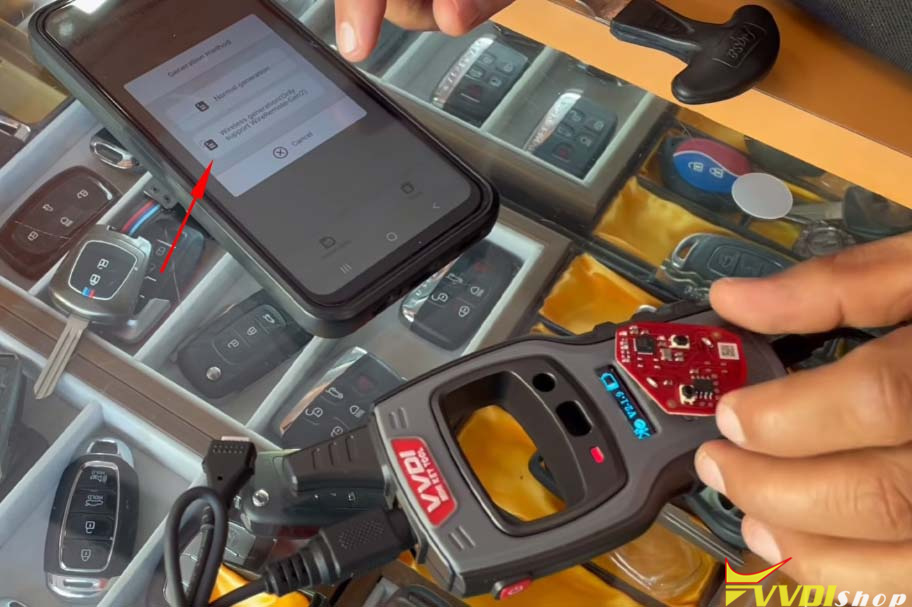
Remove the Wired Connection: Disconnect the remote from the programming cable.

Insert a Battery: Place a battery into the remote. The remote needs power to communicate wirelessly.

Xhorse Red PCB Toyota Remote Write Error 6

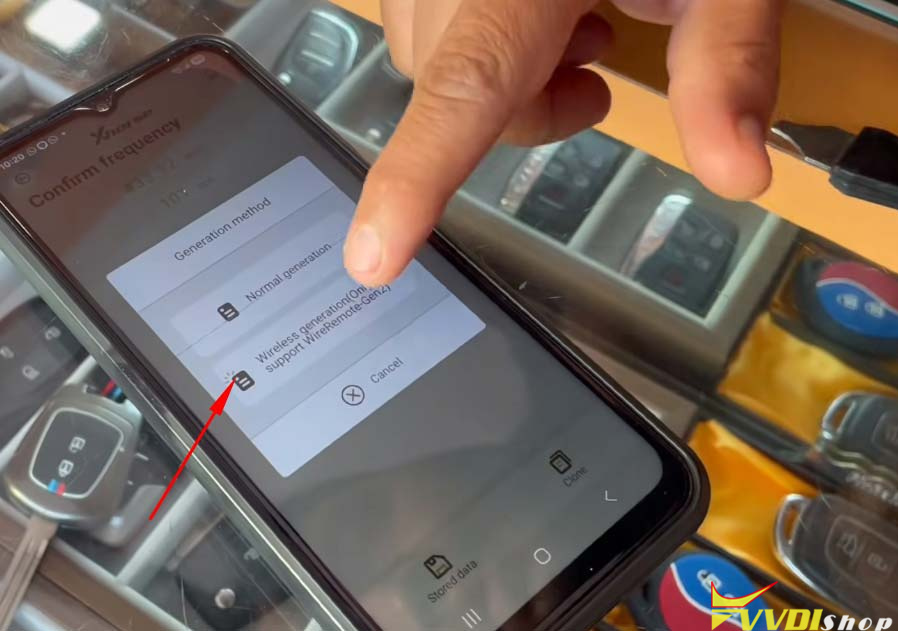
Select Wireless Generation: On your device, exit the current process and navigate to the Wireless generation Gen2 option.

Xhorse Red PCB Toyota Remote Write Error 7

Press a Button: After initiating the wireless generation, press any button (Lock or Unlock) on the remote once to wake it up and establish the connection.

Xhorse Red PCB Toyota Remote Write Error 8

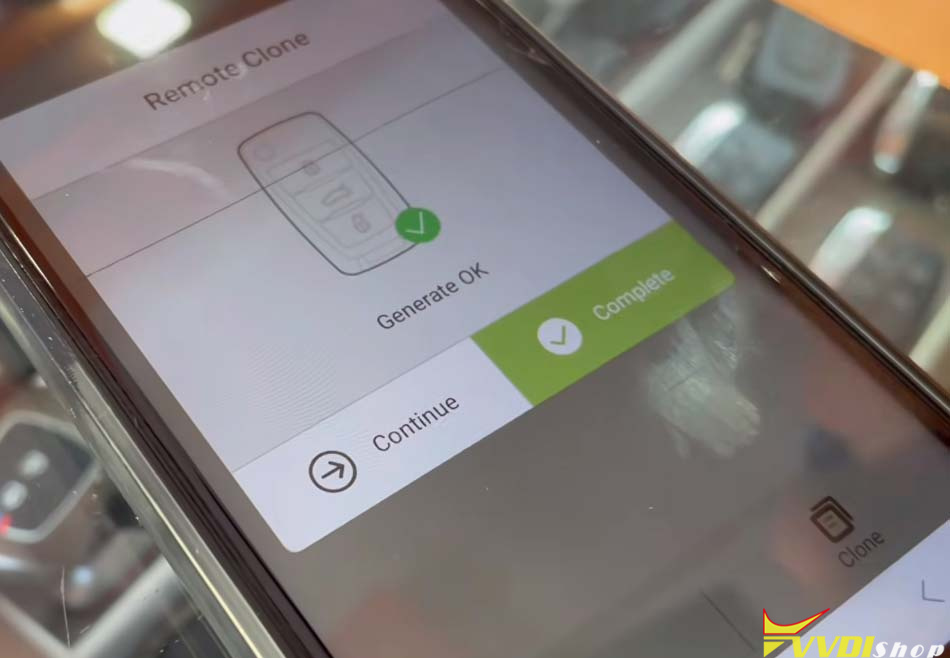
Wait for Completion: The data writing process will begin. You will see the wireless generation progress on the screen without any wires attached. Once it says “Generate OK,” the process is complete.

Xhorse Red PCB Toyota Remote Write Error 9

Conclusion

The new Xhorse Toyota Red PCB remotes offer both wired and battery-powered generation options. However, if the wired method fails and gives you a write error, simply switch to the wireless method using a battery. This procedure ensures that you can complete your Toyota Type remote generation and modified flip key builds without any hassle.

We hope this guide helps clear up any confusion regarding the new Red PCB stock!

8/28/2026

Xhorse Universal Keys vs. Autel Key Review

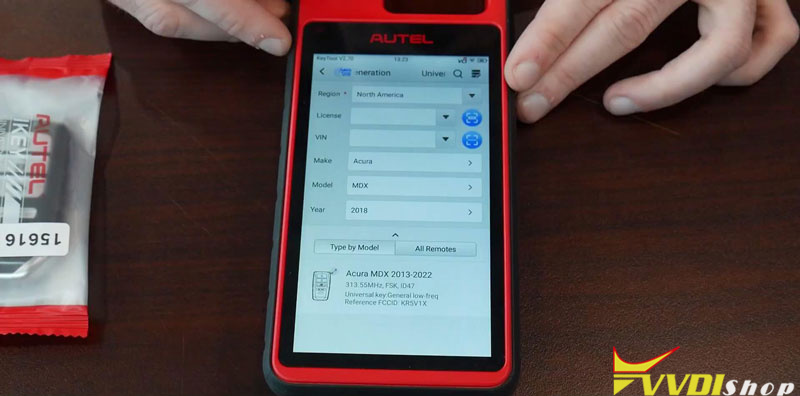
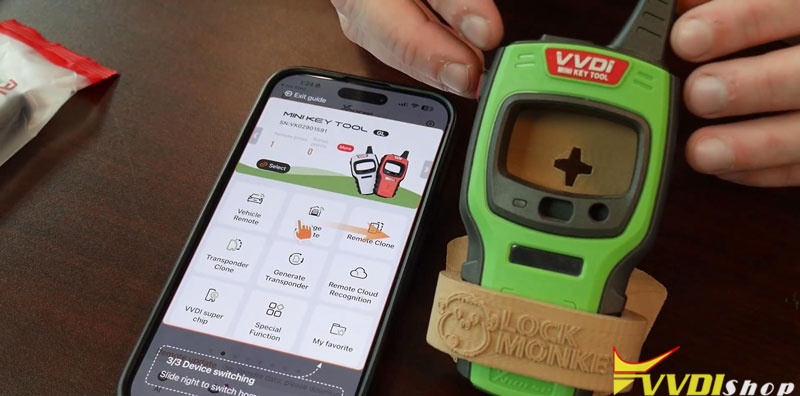
For locksmiths getting into universal keys, Xhorse VVDI Remotes is the more flexible and budget-friendly option, with more key formats and a much lower entry cost. Autel is a better fit for those who mainly need universal smart keys and prefer a simpler selection process.

Xhorse Universal Keys vs. Autel Key Review 1

Xhorse Universal Keys vs. Autel Key Review 2

Autel vs. Xhorse Universal Keys: Quick Comparison

FeatureXhorseAutel
Universal key typesSmart, flip, wired remote, wireless, remote headSmart keys only
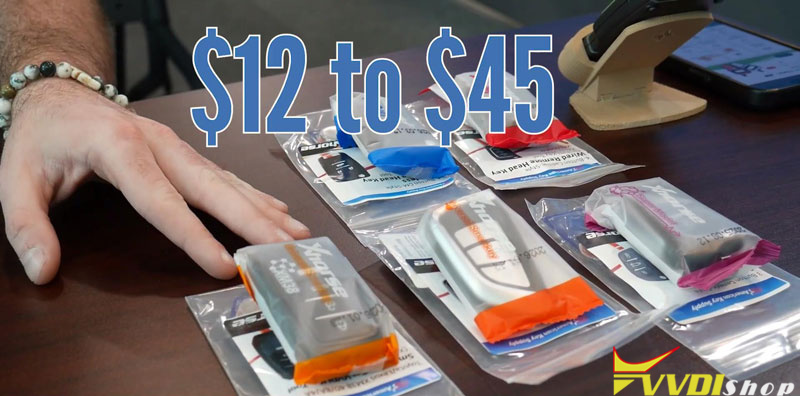
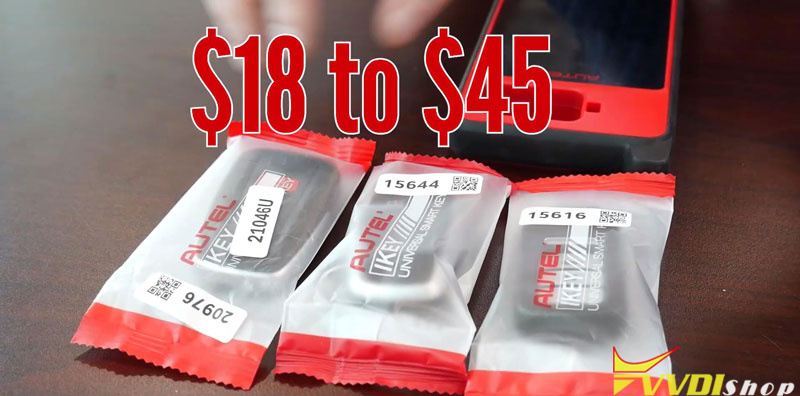
Key priceAbout $12–$45About $18–$45
Entry-level toolVVDI Mini Key Tool/ Key Tool Max Pro+ phone appKM100
Tool priceAbout $99–$419About $419
Key selectionMore options; frequency and market may need checkingRegion and year filters
GenerationDepends on key typeSame procedure for universal smart keys
Best suited forLower cost and broader key coverageSimpler smart-key selection and added tool capabilities

Xhorse Universal Keys vs. Autel Key Review 3

Xhorse Universal Keys vs. Autel Key Review 4

The 3 Differences That Matter

  1. Key Coverage: Xhorse Offers More Formats

Xhorse covers smart keys, flip keys, wired remotes, wireless keys and remote head keys.

Autel focuses on universal smart keys.

So if you need different key formats rather than smart keys alone, Xhorse gives you more options.

Xhorse Universal Keys vs. Autel Key Review 5

Xhorse Universal Keys vs. Autel Key Review 6

  1. Entry Cost: Xhorse Is Significantly Lower

Xhorse universal keys cost about $12–$45, and the Mini Key Tool is about $99.

Autel universal keys are about $18–$45, while the KM100 is about $419.

If the goal is simply to enter the universal-key market, Xhorse requires much less upfront investment.

Xhorse Universal Keys vs. Autel Key Review 7


  1. Selection: Autel Is Simpler, Xhorse Is More Flexible

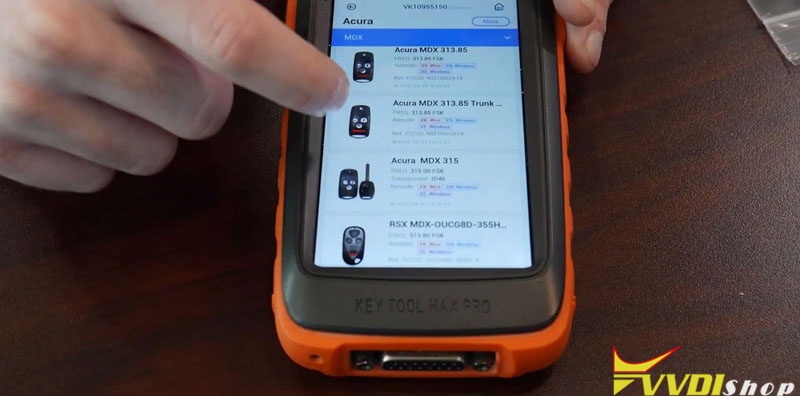
Xhorse gives you more key choices, but that also means more matching is involved. Vehicle searches can show different key types, frequencies or market applications, so the correct option needs to be identified.

Autel keeps the process more straightforward. You can narrow the selection by region and year, and its universal keys use the same generation procedure.


The trade-off is simple: Xhorse gives you more choices; Autel makes those choices easier to narrow down.


Which One Fits Your Shop?

Choose Xhorse if you prioritize:

  • Lower entry cost
  • More universal key formats
  • Flexibility across different key types
  • Starting with the roughly $99VVDI Mini Key Tool


Choose Autel if you prioritize:

  • Universal smart keys
  • A simpler selection process using region and year
  • A standardized smart-key generation procedure
  • The additional diagnostic and programming capabilities of the KM100


Bottom Line

Xhorse is the stronger choice for most shops looking for a low-cost, flexible universal-key setup. Its wider range of key formats and lower tool cost make it easier to start and expand.


Autel makes more sense when simplicity and the additional capabilities of the KM100 matter more than having a wider range of universal key formats.


www.vvdishop.com

2/07/2025

What Xhorse Remote for Honda Remote Generation?

 Problem:

Customer asked if i could make him a flip key for a 08 Honda CR-V. I bought a few Xhorse universal flips and was trying to generate the remote in XE-wireless key, the purple package ones. If just says not supported, the key is XEMQB1EN. When i try to generate the same Honda Remote in to another XE, XEB510EN, i can see the Mini tool will recognize the remote.

Any idea?

Xhorse Remote for Honda Remote 1

XEB510EN is different XE remote because it comes with the XT27B and the XEMQB1EN is with the old chip type XY27A.

Generally for Honda the XN work better.

Xhorse is having problems generating Honda remotes with XE the fob will only genetate the transponder but not the remote part, it will go blank or bricked.

Blue package XN wireless remote key works on Honda.

Xhorse Remote for Honda Remote 2

8/20/2023

How to Solve Xhorse Remote “Abnormal Hardware 9A” Error?

 Problem:

I want to generate a xhorse universal remote to a DS4 using vvdi key tool max but failed, it says abnormal hardware 9A, what does it mean?

Xhorse Remote “Abnormal Hardware 9A” Error 1

Xhorse Remote “Abnormal Hardware 9A” Error 2

Xhorse Remote “Abnormal Hardware 9A” Error 3

Solution:

Hardware 9A error means your remote is Chinese version.

Get a English version (global) universal remote or a Chinese version mini key tool.

www.vvdishop.com

8/09/2023

How to Identify CN Version Xhorse Remote by Region?

 Question:

I got some xhorse universal remotes, some are global version and some Chinese version. Is there a quick way to identify if it is CN version?


Yes, you can identify remote from region.

If area shows “08”, the remote is Chinese version.

Otherwise it is not CN version.

Identify CN Version Xhorse Remote by Region