
Xhorse’s recent Mazda immo software adds 2021- 6A smart key programming without pin code.
Here is an example of how to add a 2021- Mazda CX-30 6A smart key using Xhorse VVDI Key Tool MIDI.
Key Tool Plus and Key Tool Max Pro will do the same.
NOTE:
Must program OEM key for Mazda.
Procedure:
Connect Key Tool MIDI with vehicle via OBD connector.
Go to Immo Programming – Mazda – China (region) -CX-30 – 2020+.


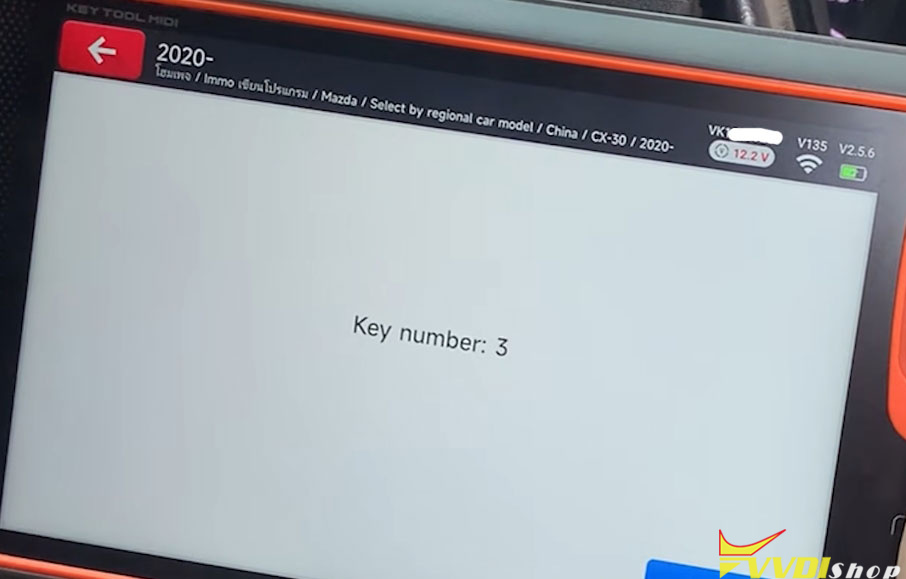
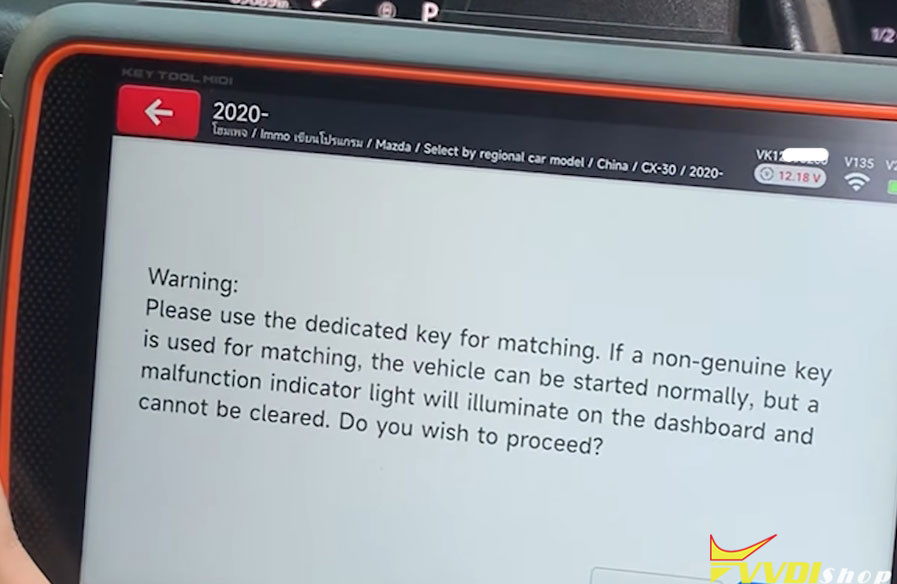
After confirming the existing key count, proceed to add a new key. The tool will display a warning and ask use original key.

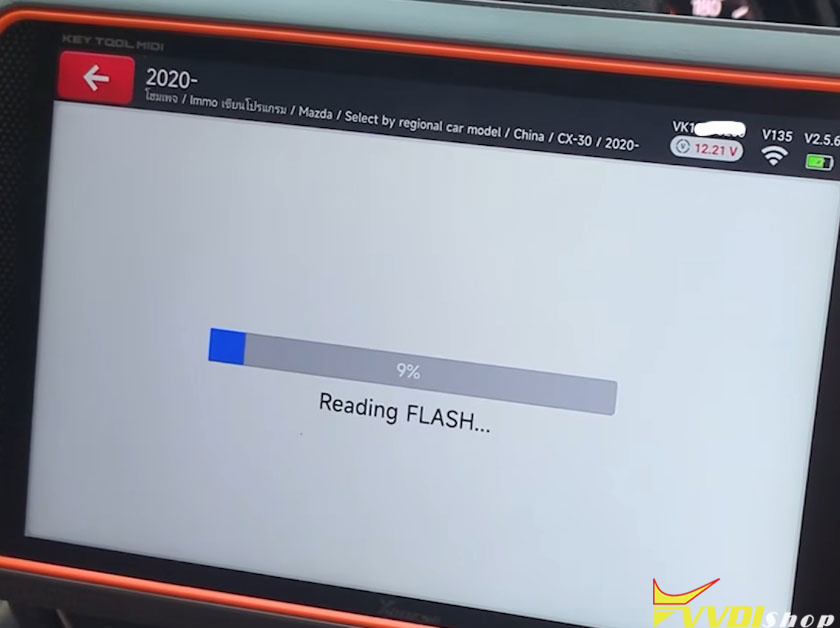
The tool will then begin reading the necessary data.
The system will indicate that keys will not be cleared (no reset is performed during this procedure). This procedure adds a key without clearing existing keys.
Turn the ignition ON (dashboard lights on) and wait.

This step takes approximately 7 minutes while the tool communicates with the server to calculate the required security password. Once the calculation is complete, the tool proceeds to the next stage.

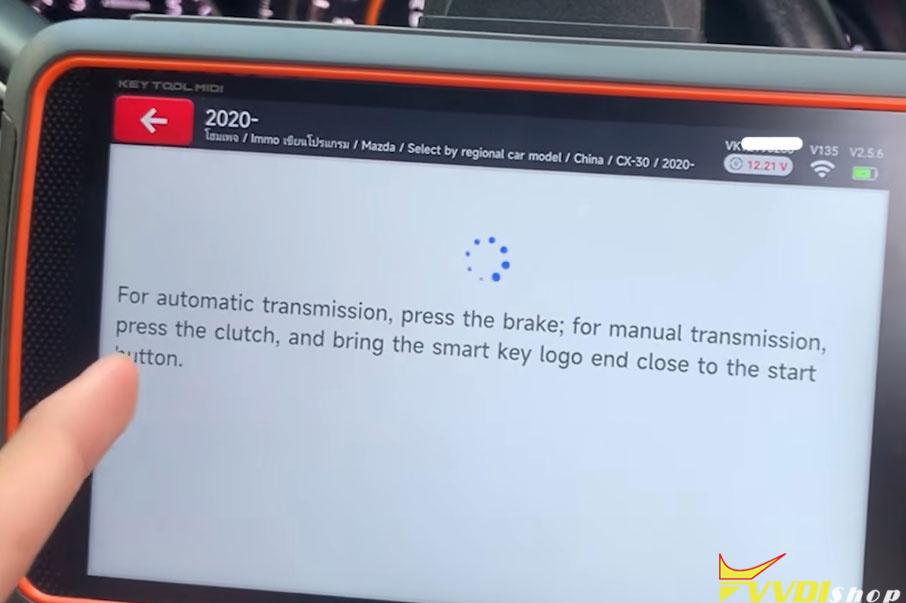
If the vehicle has an automatic transmission, you can immediately proceed.
For manual transmission vehicles, press the brake pedal to activate the system.

The tool will prompt you to touch the new key to the start button (or designated area).
Press the start button while holding the key against it.
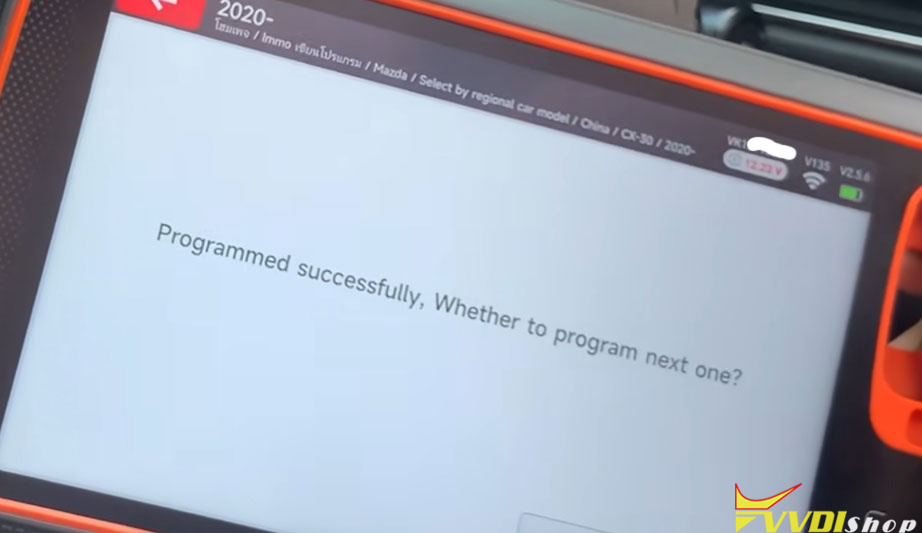
The programming is successful when the tool displays: “Program Successful.”

After successful programming:
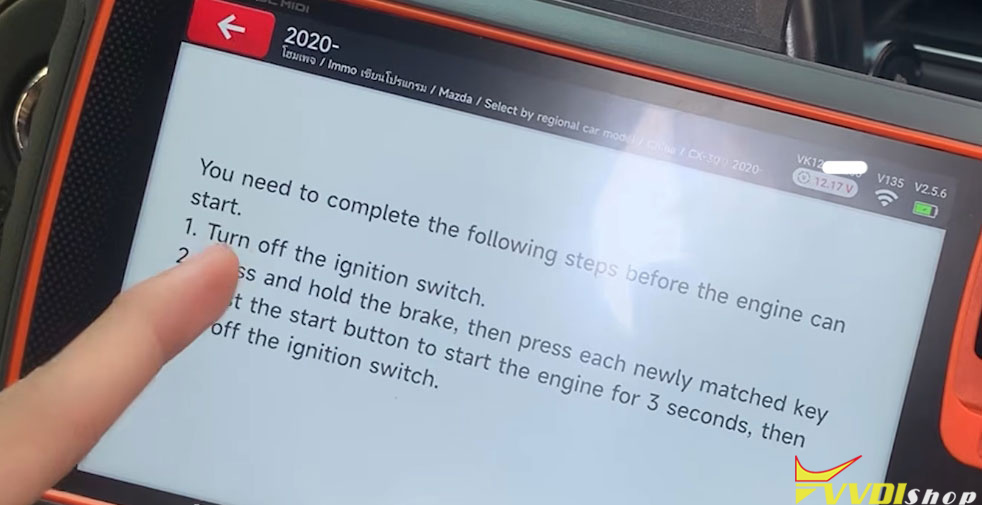
- Tap the newly programmed key to the start button for 3 seconds.
- Turn the ignition OFF, then ON again.
- Check the dashboard — the key warning light should no longer be present.
- Start the engine to confirm operation.
- Test remote functions:
- Lock / Unlock
- Engine start (with brake pedal pressed)
If all functions work as expected, the key has been successfully programmed.


No comments:
Post a Comment
Note: Only a member of this blog may post a comment.