Showing posts with label Xhorse Key Tool MIDI. Show all posts

9/20/2026

How to Add 2011 VW Jetta Key with Xhorse Key Tool MIDI?

VVDISHOP here will show how to add a spare ID48 remote key to a 2011 VW Jetta using Xhorse VVDI Key Tool MIDI.


Procedure:

Step 1: Generate Remote

Generate Xhorse remote under the proper remote program.

Add 2011 VW Jetta Key with Xhorse Key Tool MIDI 1

Add 2011 VW Jetta Key with Xhorse Key Tool MIDI 2

Add 2011 VW Jetta Key with Xhorse Key Tool MIDI 3

Add 2011 VW Jetta Key with Xhorse Key Tool MIDI 4

Step 2: Generate Transponder  
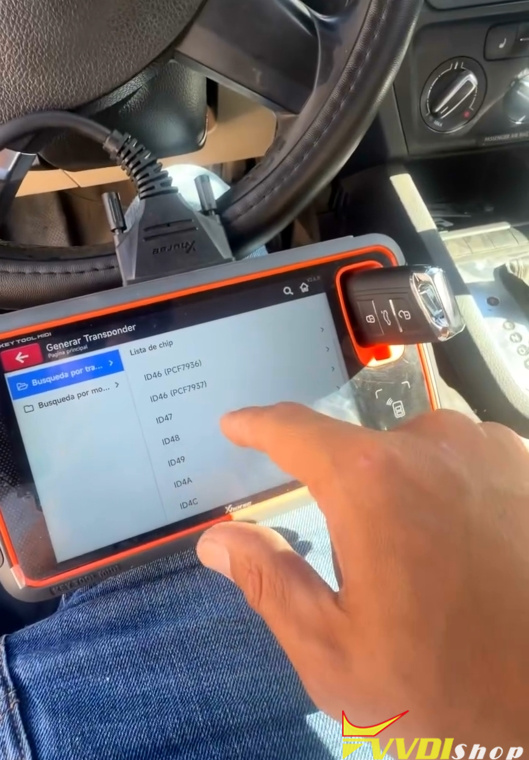
Go to Generate Transponder function
Generate an ID48 (48 TP23 VW) transponder using the Xhorse ID48 or Super Chip transponder.

Add 2011 VW Jetta Key with Xhorse Key Tool MIDI 5

Add 2011 VW Jetta Key with Xhorse Key Tool MIDI 6

Add 2011 VW Jetta Key with Xhorse Key Tool MIDI 7

Add 2011 VW Jetta Key with Xhorse Key Tool MIDI 8

Step 3: Program remote
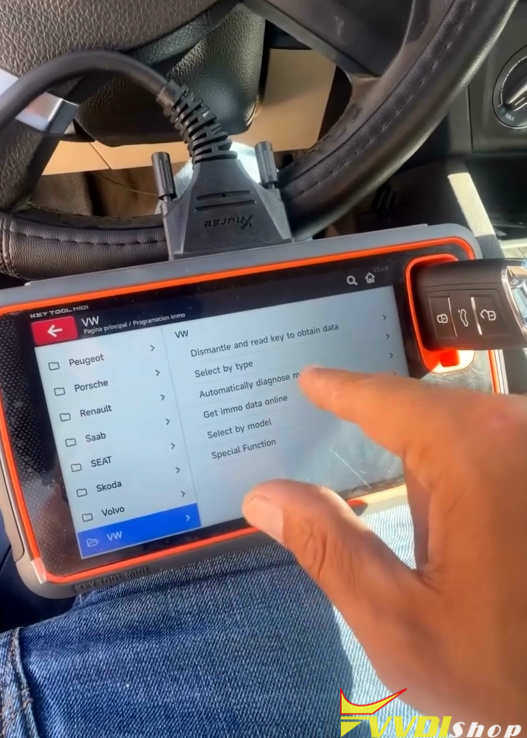
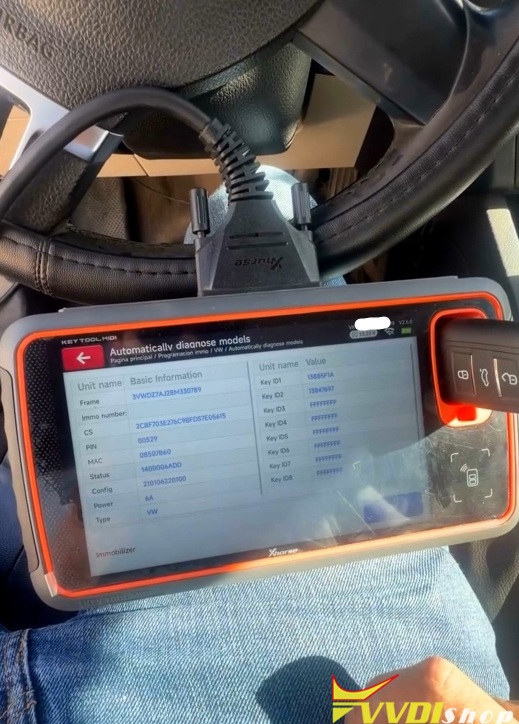
Go to IMMO Programming- VW- Automatically diagnose mode
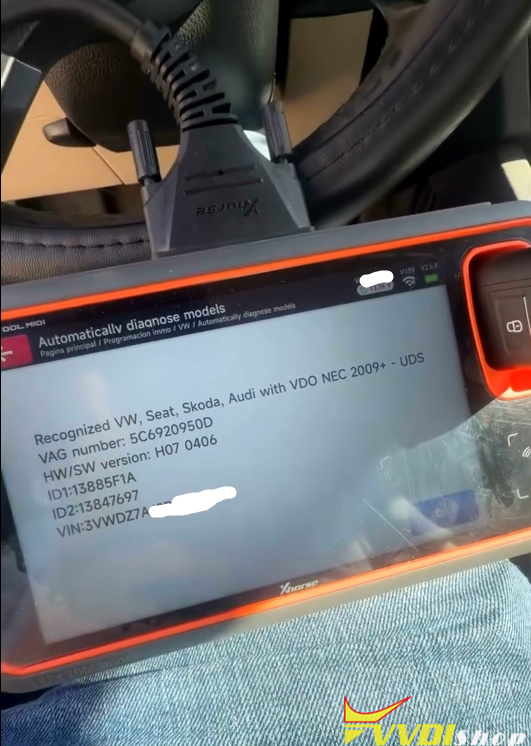
Detect vehicle information. It’s a VDO NEC 2009+ UDS type.
Read EEPROM.
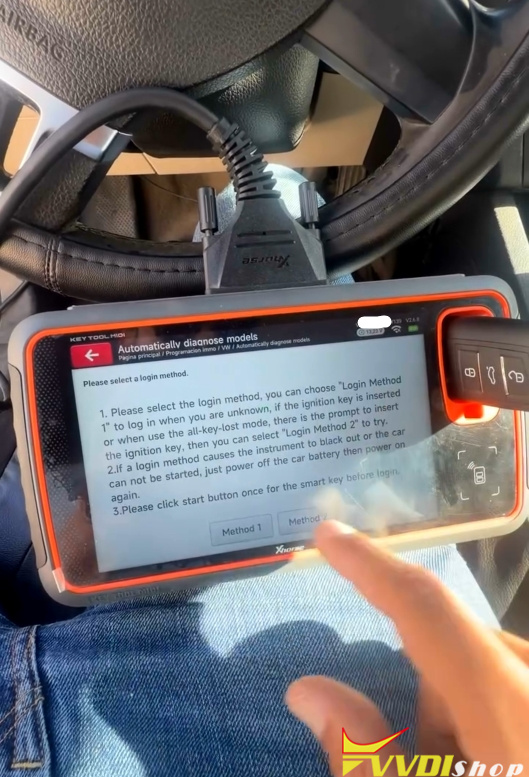
Choose login Method 1.
Read EEPROM data successfully.

Add 2011 VW Jetta Key with Xhorse Key Tool MIDI 9

Add 2011 VW Jetta Key with Xhorse Key Tool MIDI 10

Add 2011 VW Jetta Key with Xhorse Key Tool MIDI 11

Add 2011 VW Jetta Key with Xhorse Key Tool MIDI 12

Add 2011 VW Jetta Key with Xhorse Key Tool MIDI 13

Read IMMO Data.
Select Login method 1.
Read CS PIN etc immo data.
Save immo data.

Add 2011 VW Jetta Key with Xhorse Key Tool MIDI 14

Add 2011 VW Jetta Key with Xhorse Key Tool MIDI 15

Select Generate dealer key- load immo data.

Load the saved immo data to generate dealer key.

Add 2011 VW Jetta Key with Xhorse Key Tool MIDI 16

Add 2011 VW Jetta Key with Xhorse Key Tool MIDI 17

Select Generate OEM key.
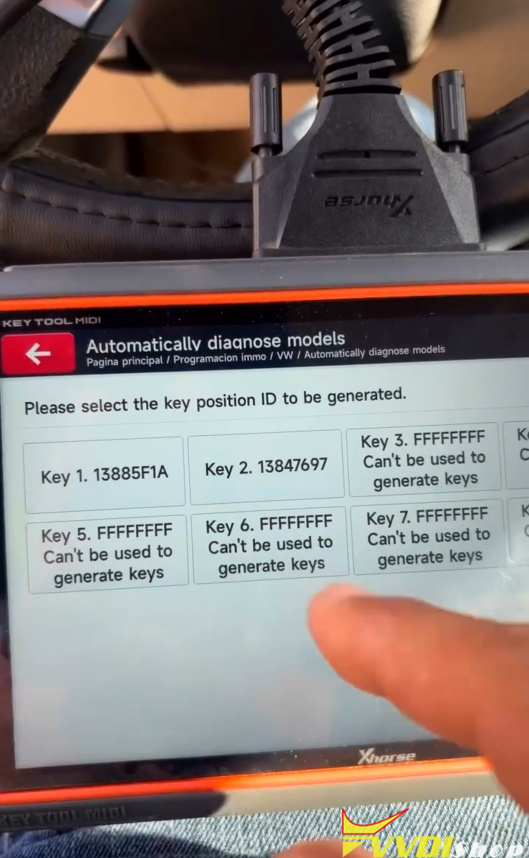
Select key ID to be generated.
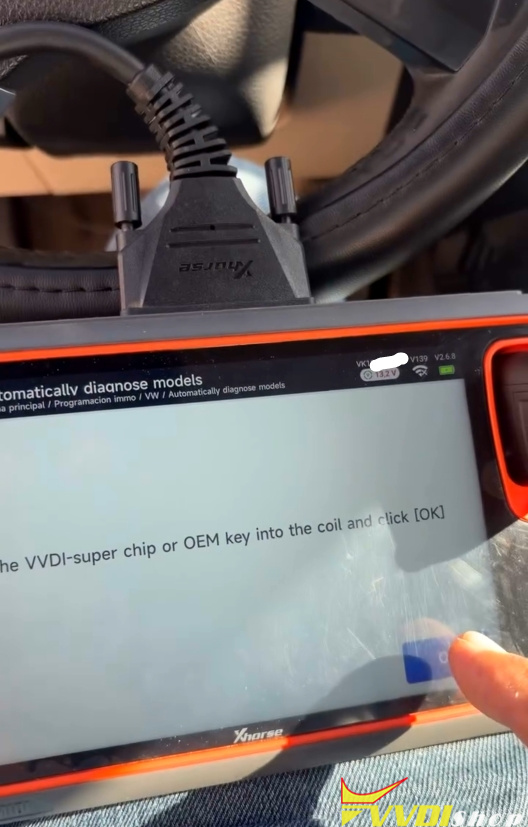
Place a VVDI super chip ot OEM key into the coil.
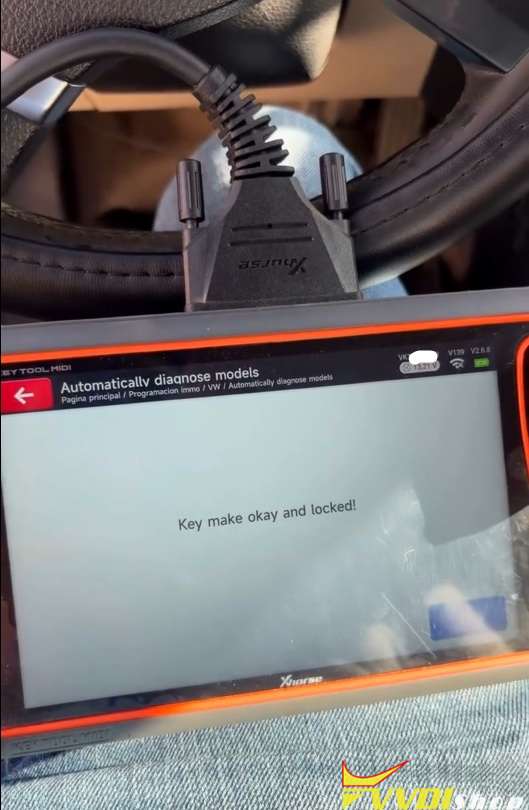
Generate dealer key successfully.

Add 2011 VW Jetta Key with Xhorse Key Tool MIDI 18

Add 2011 VW Jetta Key with Xhorse Key Tool MIDI 19

Add 2011 VW Jetta Key with Xhorse Key Tool MIDI 20

Step 4: Program remote control
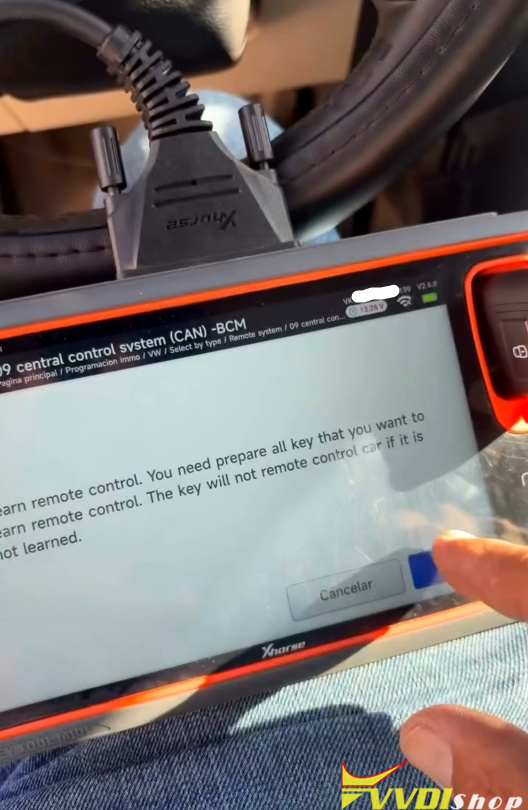
Go to IMMO Programming- VW- select by type- Remote System- 09 contral control system (CAN)-BCM.

Add 2011 VW Jetta Key with Xhorse Key Tool MIDI 21

Add 2011 VW Jetta Key with Xhorse Key Tool MIDI 22

Follow Key Tool MIDI prompts to program remote control until successful.

Add 2011 VW Jetta Key with Xhorse Key Tool MIDI 23

Add a VW Jetta 2011 remote key successfully.


9/14/2026

Program Haval H6 2020 All Keys Lost by Xhorse Key Tool MIDI

Xhorse VVDI Key Tool MIDI programmed Haval H6 2020 all smart keys lost successfully.

Program Haval H6 2020 All Keys Lost by Xhorse Key Tool MIDI 1

Step 1: Generate remote

Generate an Xhorse remote with the proper remote program.


Step 2: Program key

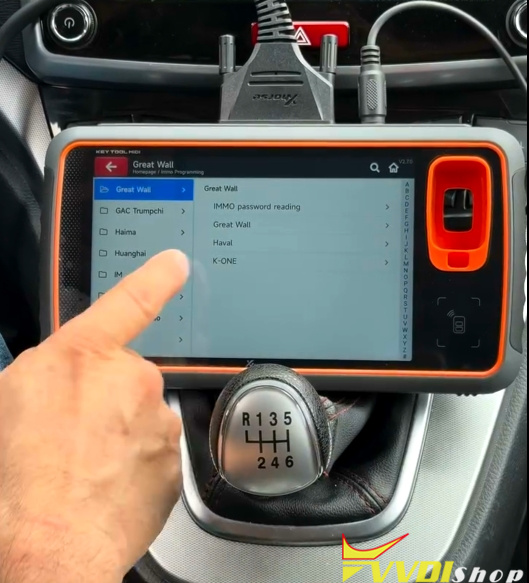
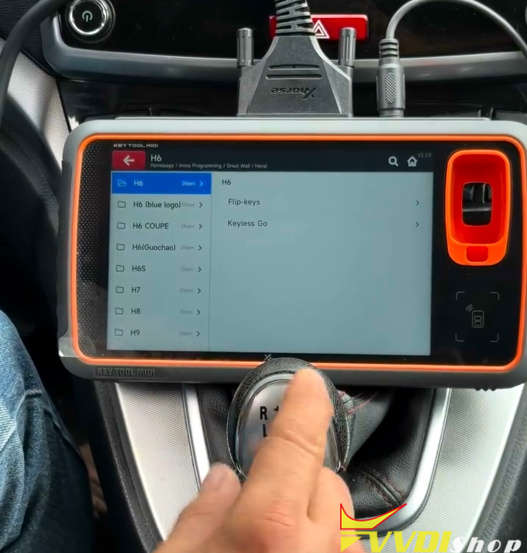
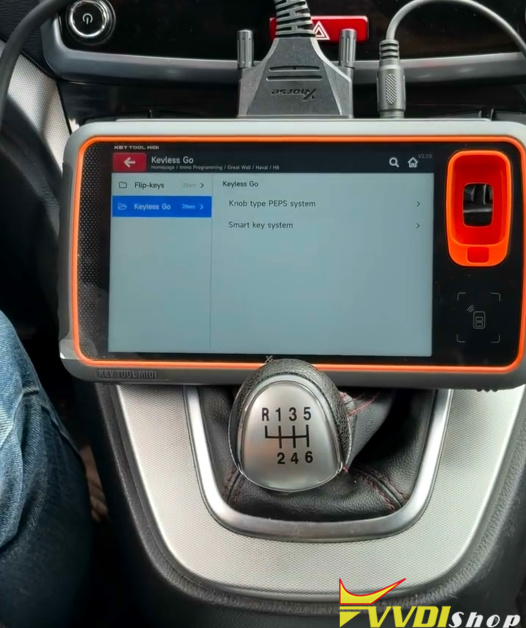
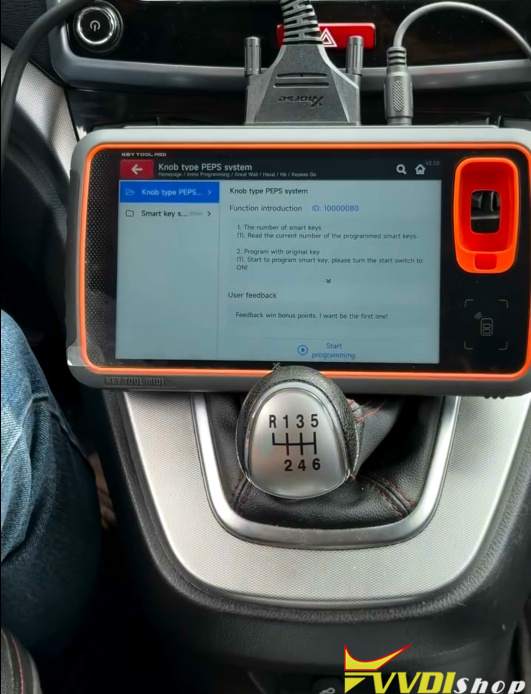
Go IMMO Programming- Havel- H6- KeylessGo- Knob type PEPS system
Select All keys lost mode 1 (Not Clear K-SK).

Program Haval H6 2020 All Keys Lost by Xhorse Key Tool MIDI 2

Program Haval H6 2020 All Keys Lost by Xhorse Key Tool MIDI 3

Program Haval H6 2020 All Keys Lost by Xhorse Key Tool MIDI 4

Program Haval H6 2020 All Keys Lost by Xhorse Key Tool MIDI 5

Program Haval H6 2020 All Keys Lost by Xhorse Key Tool MIDI 6

Program Haval H6 2020 All Keys Lost by Xhorse Key Tool MIDI 7

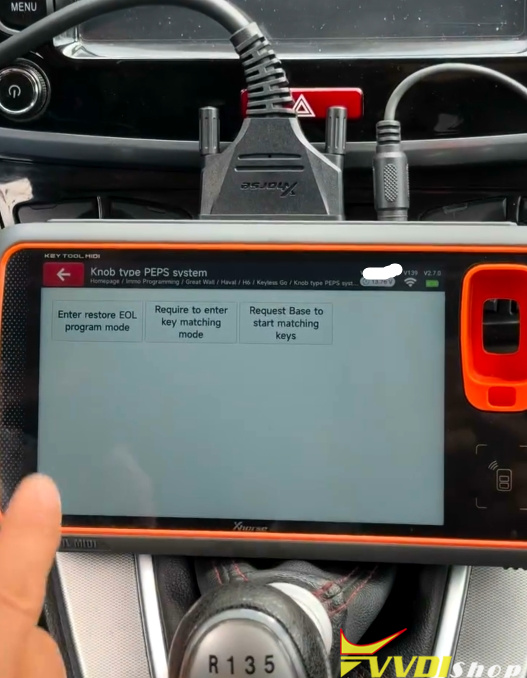
Enter restore EOL program mode.

Program Haval H6 2020 All Keys Lost by Xhorse Key Tool MIDI 8

Program Haval H6 2020 All Keys Lost by Xhorse Key Tool MIDI 9
Requires entering key matching mode.

Program Haval H6 2020 All Keys Lost by Xhorse Key Tool MIDI 10
Request to enter key program mode.

Program Haval H6 2020 All Keys Lost by Xhorse Key Tool MIDI 11

Request Base to start matching keys.

Program Haval H6 2020 All Keys Lost by Xhorse Key Tool MIDI 12
All keys are cleared. At least 2 keys must be programmed.
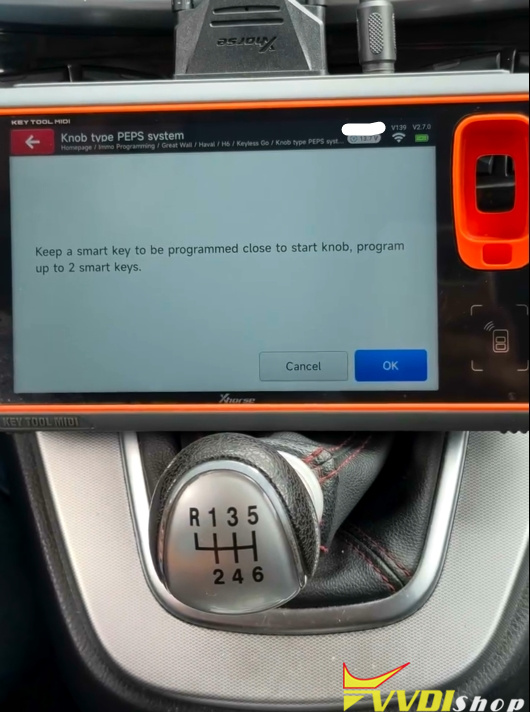
Keep a smart key to be programmed close to the Start knob, program up to 2 smart keys.

Program Haval H6 2020 All Keys Lost by Xhorse Key Tool MIDI 13

Program Haval H6 2020 All Keys Lost by Xhorse Key Tool MIDI 14
Program the next key until programming is finished.

8/13/2026

VVDI Key Tool MIDI Adds 2025 Chevrolet Aveo Key

For this 2025 Chevrolet Aveo, we used the Xhorse VVDI Key Tool MIDI to add a duplicate key. No code is needed on this model—the key can be matched directly through the IMMO menu.


Key Programming

  1. Go to Immo Programming >> SAIC-GM-Wuling >> Immo System >> Xingchen >> Key Count. The current key count is 2.
  2. Select Key Programming, insert the new key to be matched, and turn on the ignition.
  3. The VVDI Key Tool MIDI programs the key in less than a minute. The screen shows “The current key programmed successfully” followed by “Matching completed.” Up to 4 keys can be matched.
  4. Turn off the ignition and wait for more than 30 seconds.


Verification

Turn the ignition back on and check the new key. The remote control works, and the engine starts normally. The duplicate key is ready to use.
VVDI Key Tool MIDI Adds 2025 Chevrolet Aveo Key 1

VVDI Key Tool MIDI Adds 2025 Chevrolet Aveo Key 2

VVDI Key Tool MIDI Adds 2025 Chevrolet Aveo Key 3

VVDI Key Tool MIDI Adds 2025 Chevrolet Aveo Key 4

VVDI Key Tool MIDI Adds 2025 Chevrolet Aveo Key 5

VVDI Key Tool MIDI Adds 2025 Chevrolet Aveo Key 6


8/02/2026

How to Connect Xhorse Key Tool MIDI with 5C 5D Adapter?

Xhorse VVDI Key Tool MIDI advanced version now also supports reading original VAG MQB49 5C/5D key data and add key without multiprog.


How to connect Xhorse Key Tool MIDI with Xhorse 5C 5D adapter?

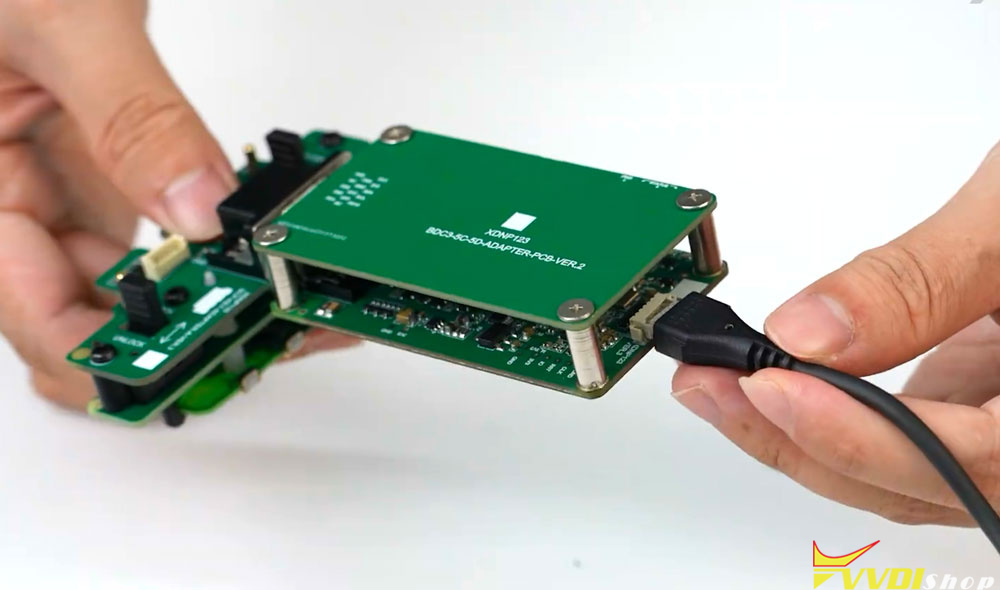
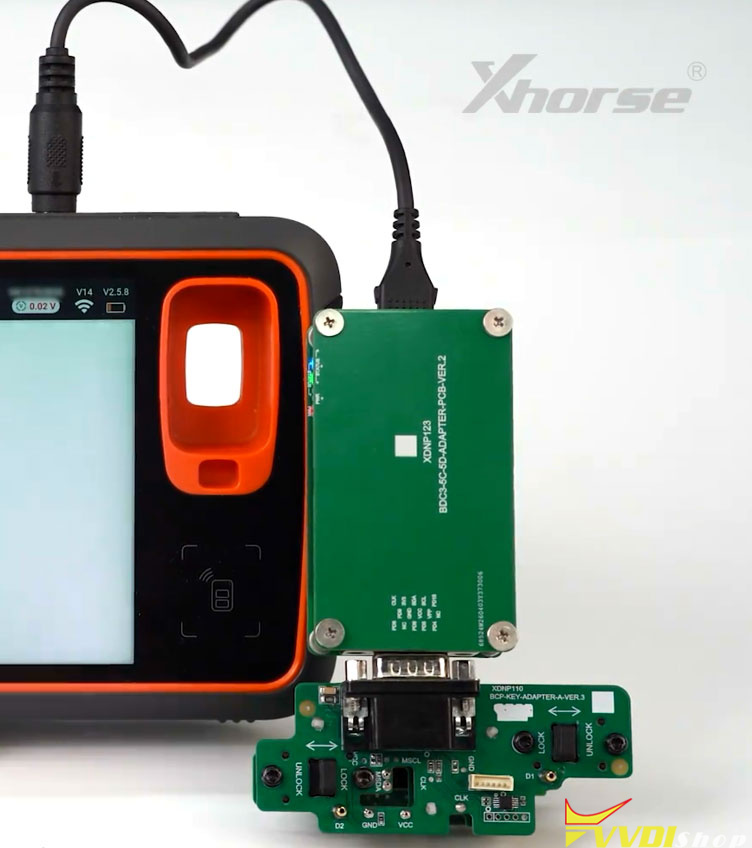
To connect Xhorse 5C 5D adapter with MIDI, you will need an extra XNDP123 converter.

Connect Xhorse Key Tool MIDI with 5C 5D Adapter 1

Connect Xhorse Key Tool MIDI with 5C 5D Adapter 2

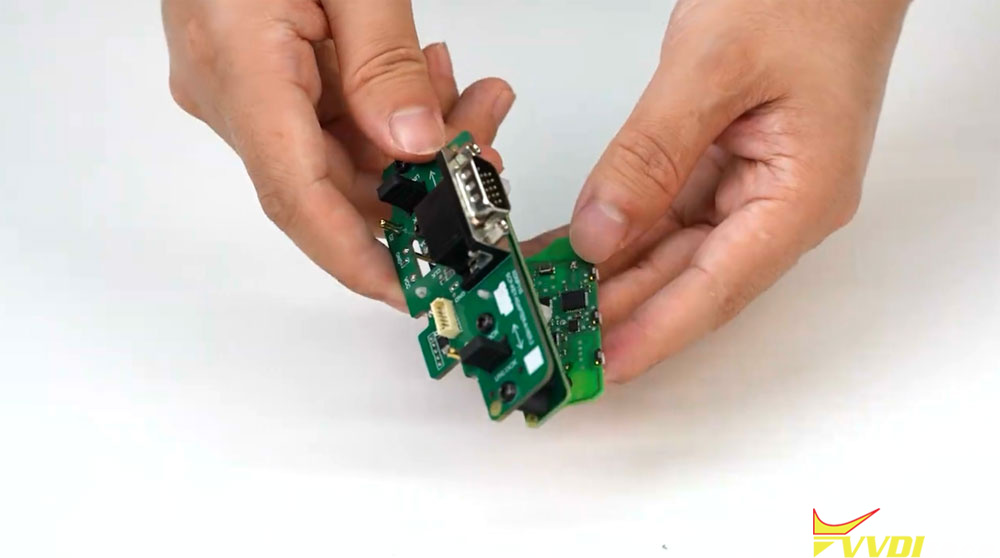
First of all, disassemble original key board.

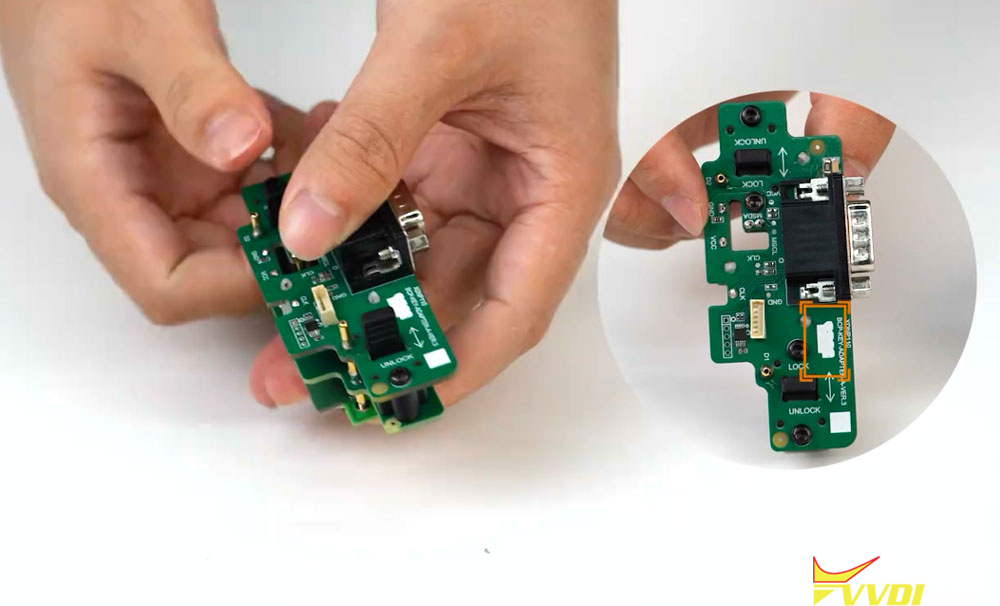
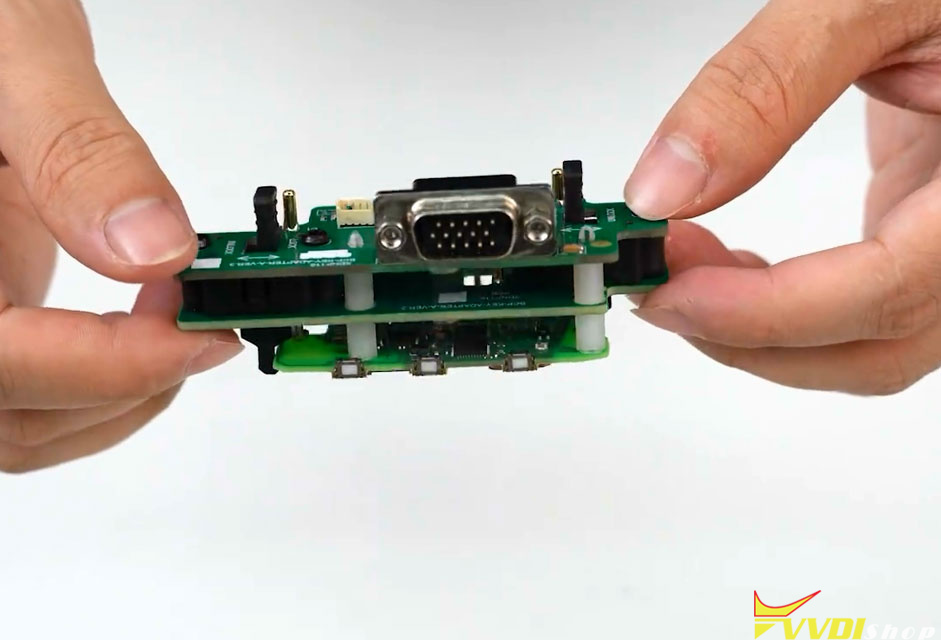
Connect the key board to the 5C/5D adapter.

Connect Xhorse Key Tool MIDI with 5C 5D Adapter 3

Connect Xhorse Key Tool MIDI with 5C 5D Adapter 4

Connect Xhorse Key Tool MIDI with 5C 5D Adapter 5

Connect 5C/5D adapter with XDNP123 converter.

Connect Xhorse Key Tool MIDI with 5C 5D Adapter 6

Connect XNDP123 converter with MIDI tablet via USB cable.

Connect Xhorse Key Tool MIDI with 5C 5D Adapter 7

Connect Xhorse Key Tool MIDI with 5C 5D Adapter 8

Connect Xhorse Key Tool MIDI with 5C 5D Adapter 9

Now you can read 5C 5D key data, generate dealer key and learn key with MIDI without other devices.