
Tutorial: How to program Renault Kiwid (RXL) 4A blade key all keys lost using Xhorse Multi Prog and Key Tool MIDI/Key Tool Plus programmer.
Procedure:
Step 1: Reset ECU
Select Device-ECU-Renault-KWID- ECU Reset (ME17.9.23)
Connect pins according to Xhorse MultiProg pinout.
Reset ECU done.
Disconnect.


Step 2: Generate XT57B chip
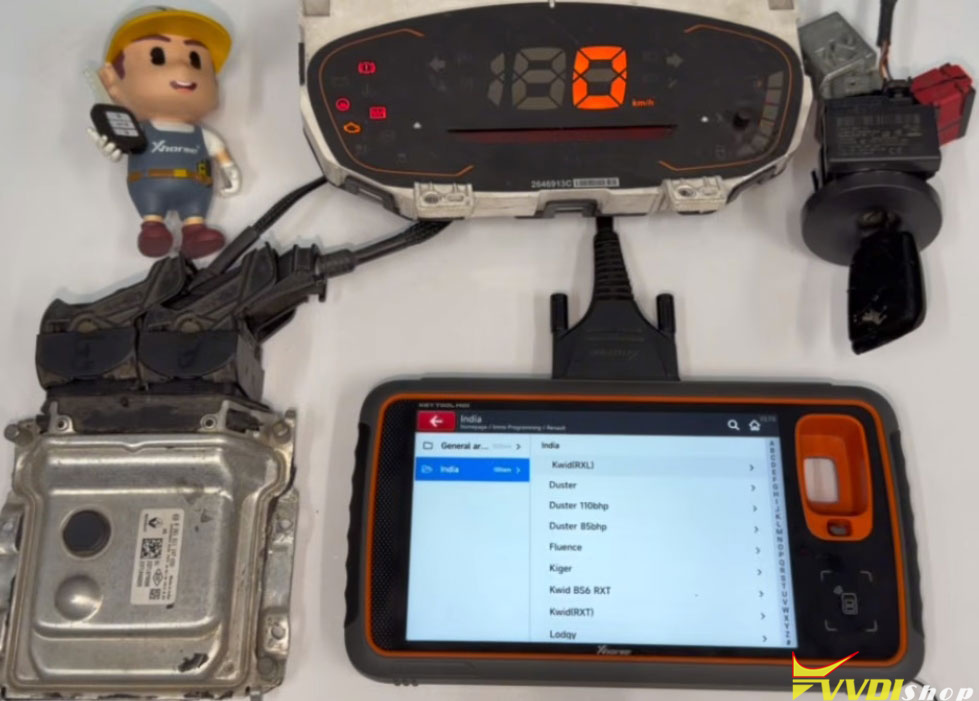
Reinstall ECU back to vehicle or set up bench connection between Xhorse Key TOOL MIDI/Plus, ECU, cluster and igntion.

Use XT57B chip to generate 4A blank chip.


Step 3: IMMO Programming
Go to IMMO Programming- Renault- India- Kiwid (RXL) -Start programming.
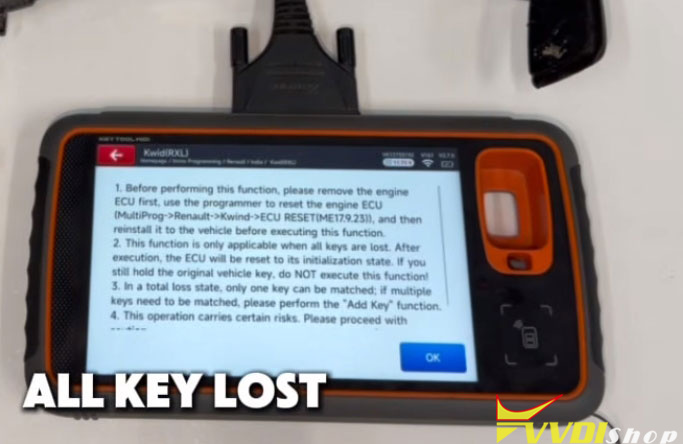
Select All Keys Lost.


Before programming this function, remove the engine ECU, use the multi prog programmer to reset the engine ECU, then reinstall it to the vehicle. We have reset ECU in step 1 and set up bench connection.
Press OK to continue.

ECU initialization successful.
Disconnect the vehicle battery for 1 min, then reconnect the battery and turn on the ignition or hazard lights for 2 min.

Turn on the emergency flashers, turn off the ignition.
Press Yes to generate a dealer key.

Put the key (XT57B chip) in the sensing coil of Key Tool MIDI.
Generate dealer key successfully.

Press No not to generate next kety.
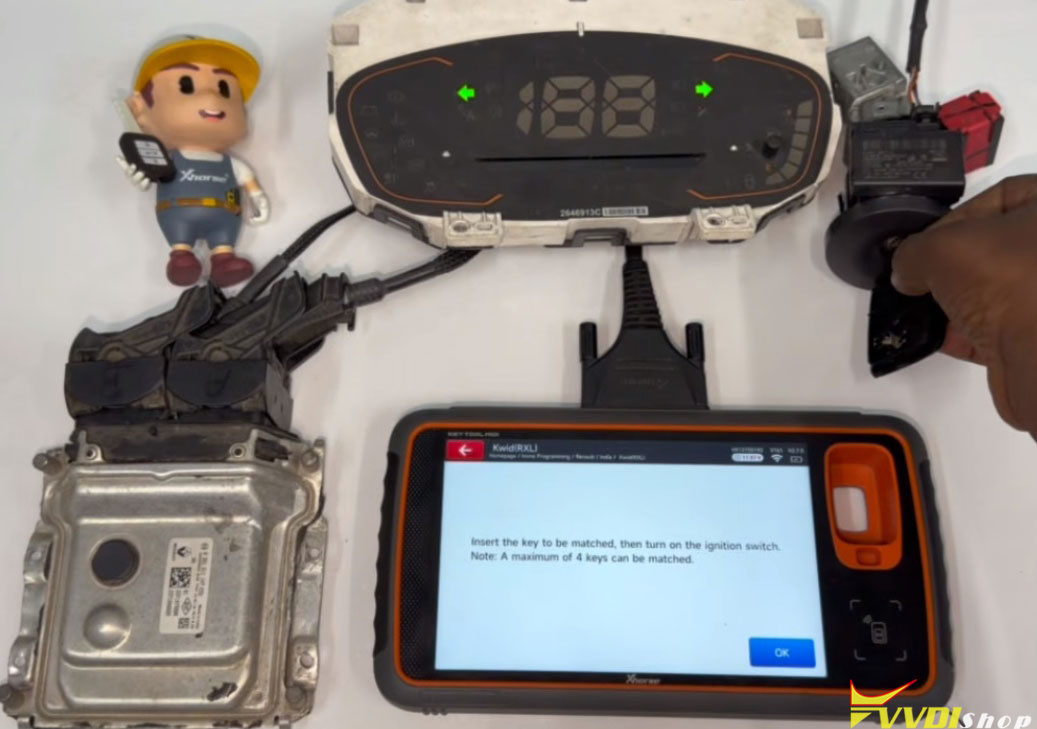
Insert the key to be programmed, then turn on the ignition switch.
Turn off the ignition, wait 5 seconds, then turn it back on.
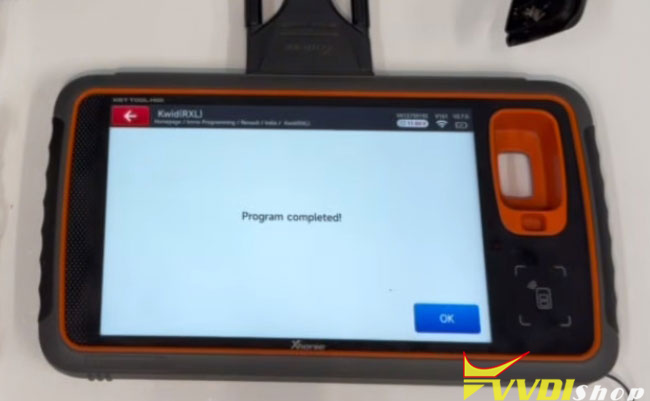
Program completed.


No comments:
Post a Comment
Note: Only a member of this blog may post a comment.