
Xhorse VVDI Key Tool MIDI advanced version now also supports reading original VAG MQB49 5C/5D key data and add key without multiprog.
How to connect Xhorse Key Tool MIDI with Xhorse 5C 5D adapter?
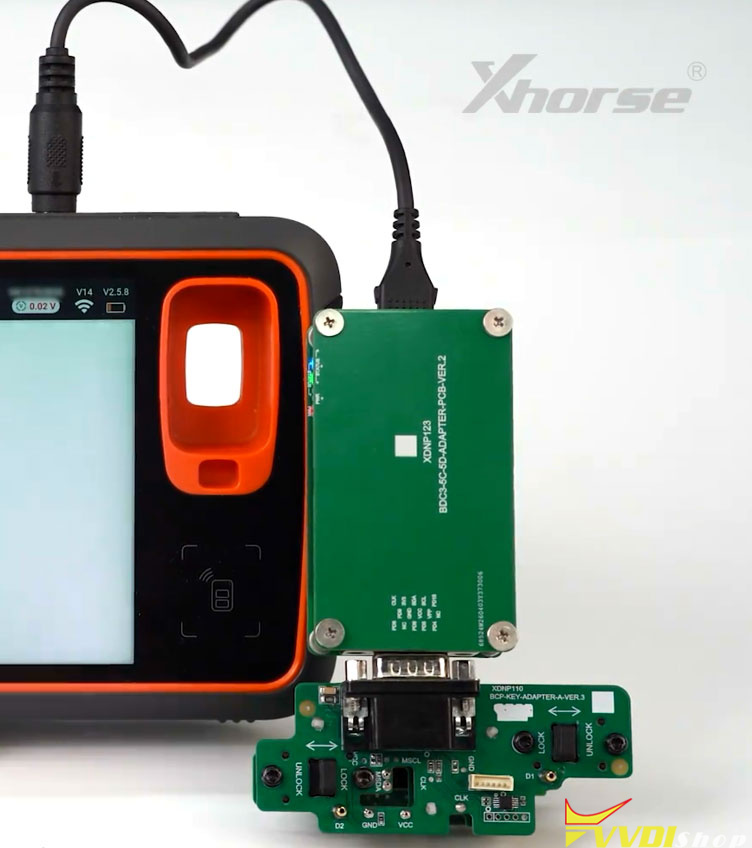
To connect Xhorse 5C 5D adapter with MIDI, you will need an extra XNDP123 converter.


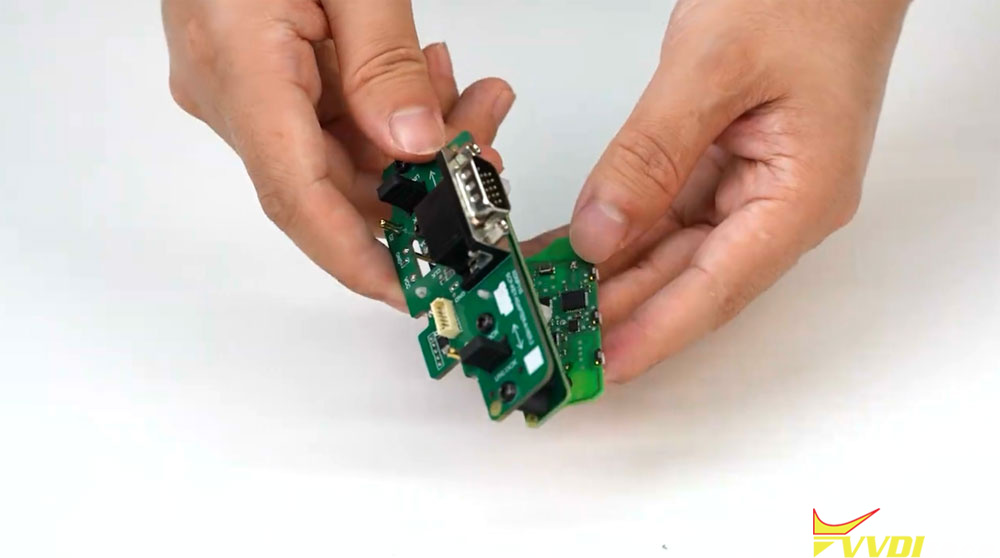
First of all, disassemble original key board.
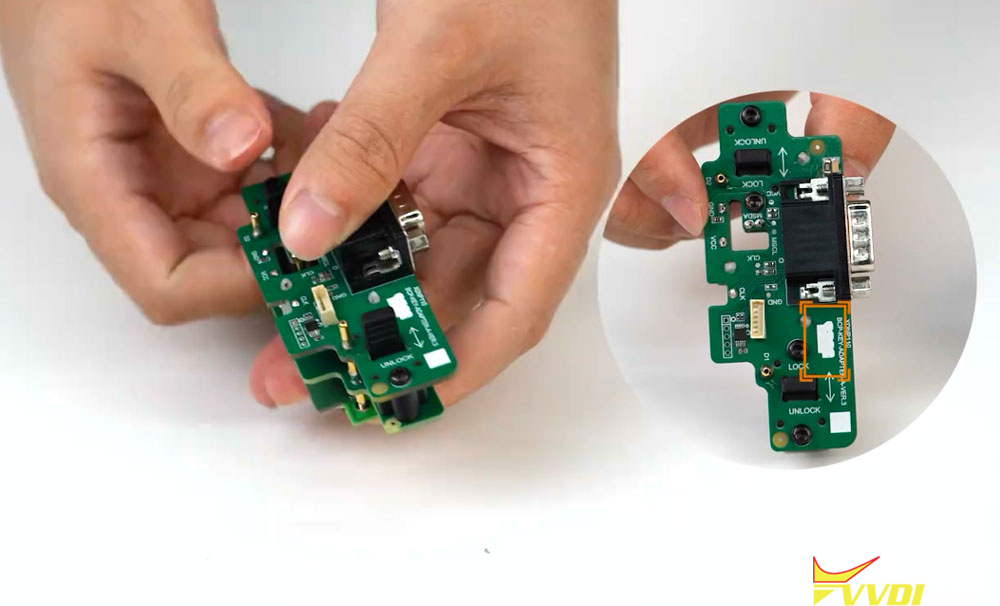
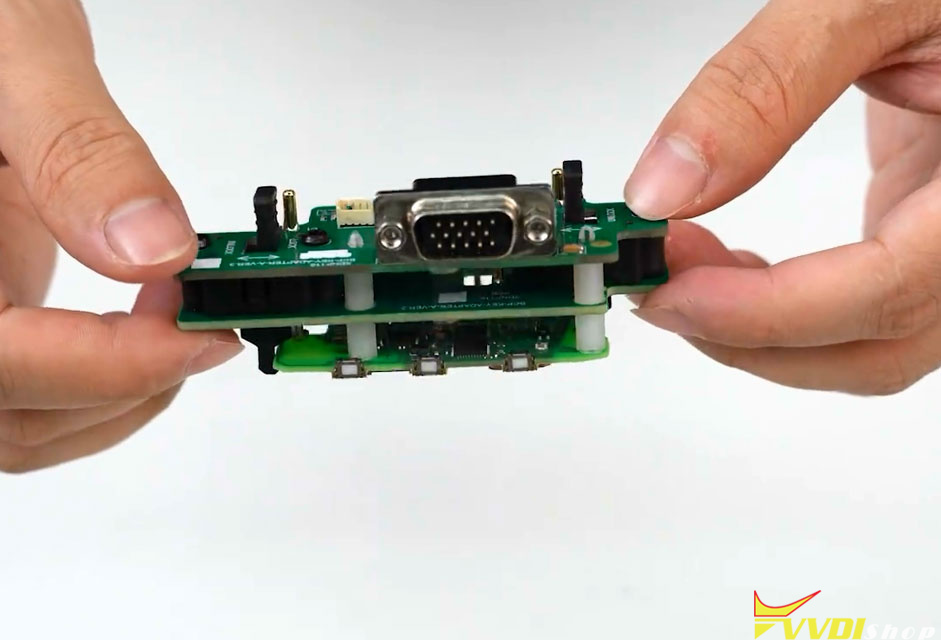
Connect the key board to the 5C/5D adapter.


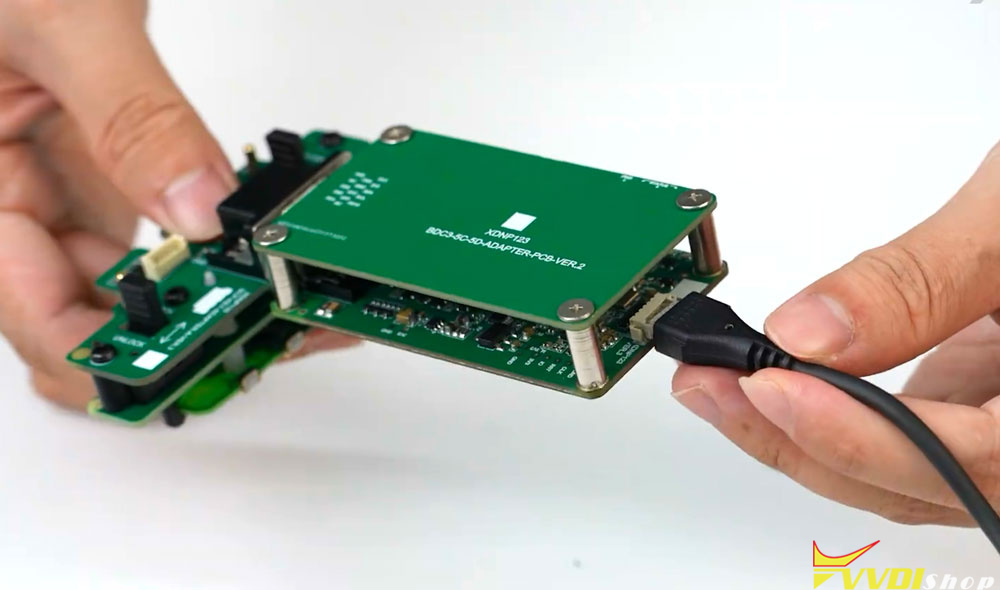
Connect 5C/5D adapter with XDNP123 converter.

Connect XNDP123 converter with MIDI tablet via USB cable.


Now you can read 5C 5D key data, generate dealer key and learn key with MIDI without other devices.

No comments:
Post a Comment
Note: Only a member of this blog may post a comment.