
Problem:
Tried to bind Xhorse Dolphin XP005L key cutting machine with Xhorse App. But App displayed a Params error: nation-code. How to fix it?

Solution:
Do the following:
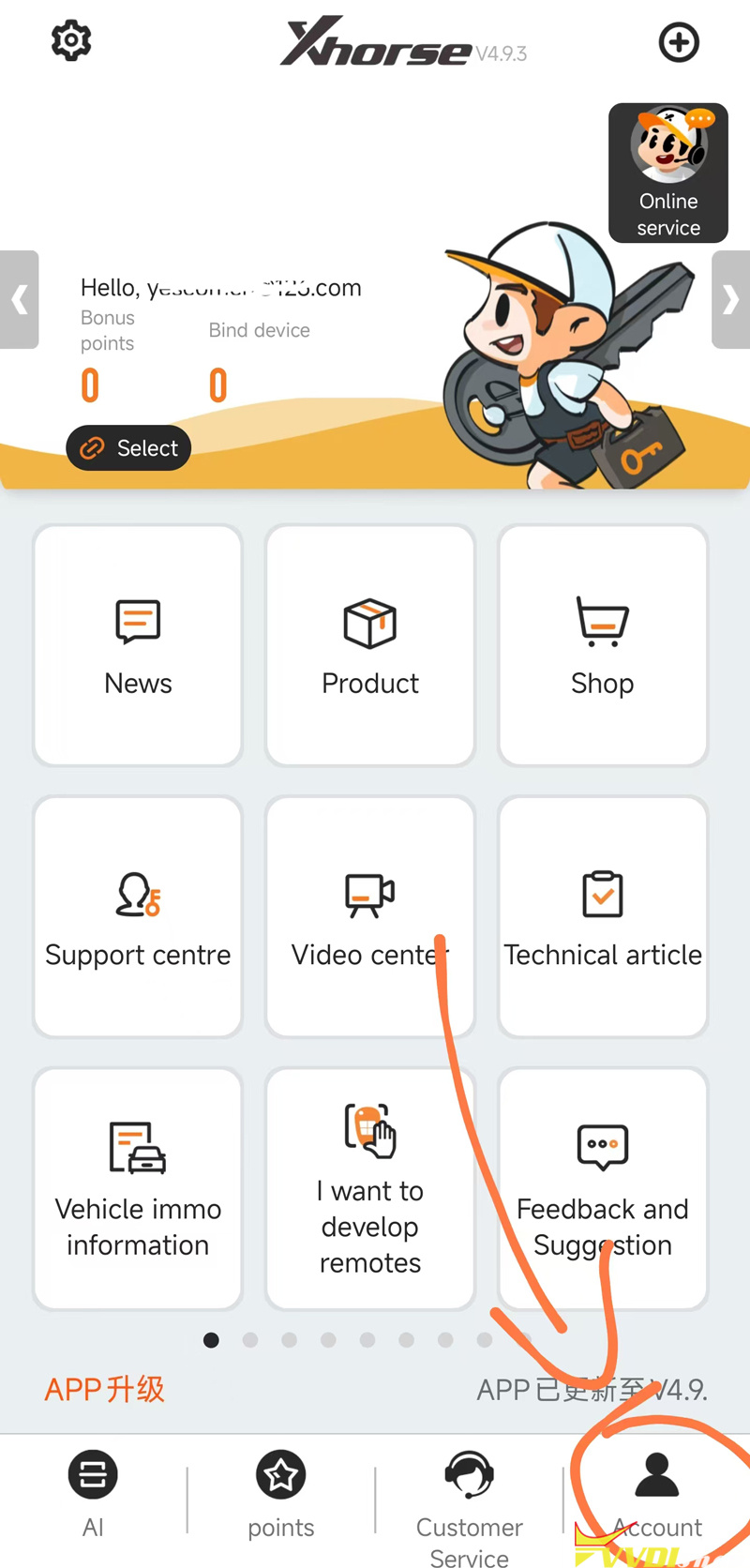
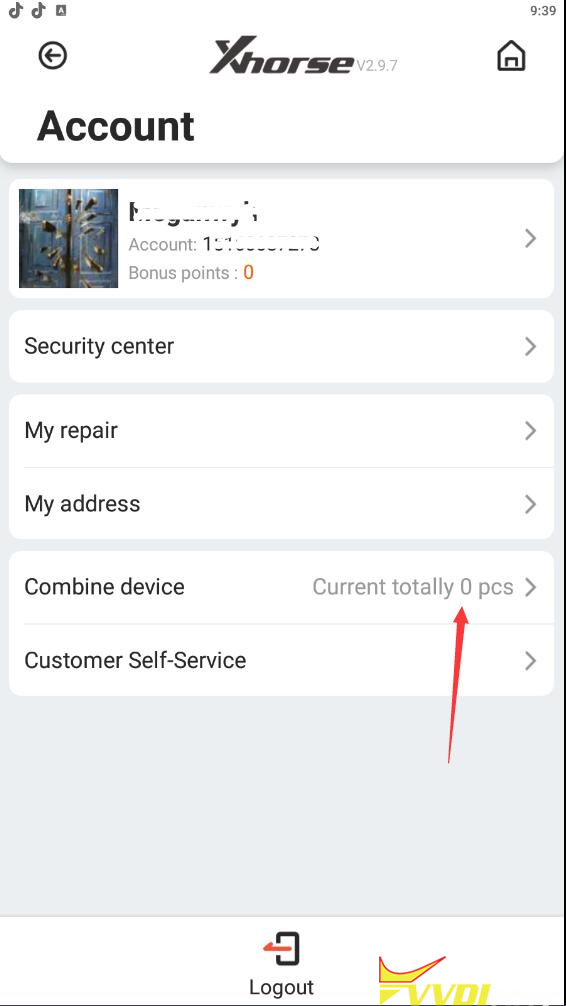
In Xhorse App, go to Account. Register an Xhorse account and login.

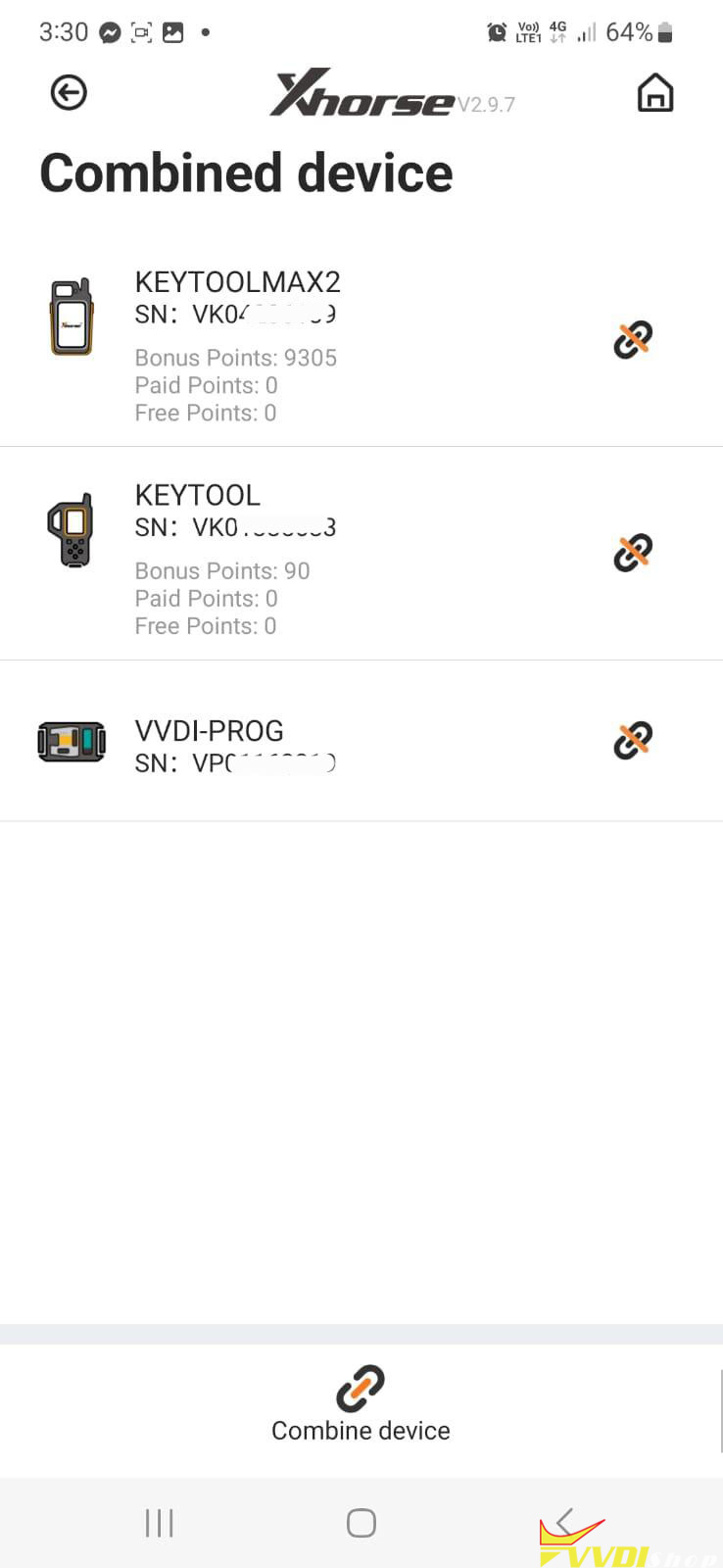
After login Xhorse account, select Combine device.

Choose Combine device and check the device you have combined.


No comments:
Post a Comment
Note: Only a member of this blog may post a comment.