9/18/2025

2025 New Xhorse MVCI Pro+ vs MVCI Pro J2534 Cable

 Xhorse released a new MVCI Pro+ XDMVJP J2534 passthru cable in September 2025. What’s the difference between new MVCI Pro+ and the old MVCI Pro cable?

Xhorse MVCI Pro+ vs MVCI Pro J2534 Cable

Difference:

Different cable design.

The old MVCI pro cable is an integrated design where the USB cable and the main unit cannot be separated, while the new MVCI Pro+ cable allows the USB cable and the main unit to be detached.

Indicator light status is different.


As for supported brands and software, they are identical.


Both cable supports following brands and software.

SoftwareSupported Brands
Xentry/DAS/DTSBenz, Maybach, Smart
VIDAVolvo
Consult3 PlusNissan
CLIPRenault
DiagboxPeugeot
Tech2win GDS2 RDSGM group
ODISVAG
HDSHonda Acura
SSM 4Subaru
FDRS IDSFord
Mazda IDSMazda

Continuously adding new brands.

9/16/2025

Read PSA DCM6.2A ECU with Xhorse Multi Prog

Here comes the Xhorse multi prog feedback on PSA DCM6.2A ECU.

PEUGEOT DCM6.2A BIG IMPROVEMENT.
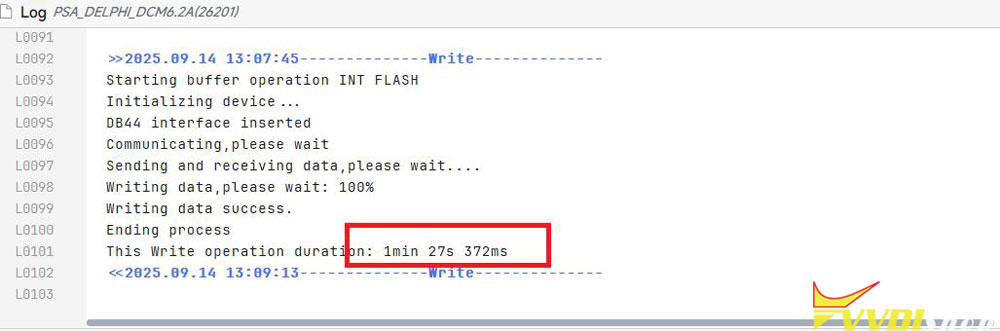
Write today another ecu from PSA DCM6.2A with multi prog, and see really HUGE improvement… some months ago when i write such of ecus it takes almost 15 minutes and i had and warning message from the tool.

Read PSA DCM6.2A ECU with Xhorse Multi Prog 1

but today it finished the writing in one and a half minute 1 min & 27 secs.

Checksum is done online with the multiprog.

Read PSA DCM6.2A ECU with Xhorse Multi Prog 2

9/10/2025

Xhorse Multi Prog Firmware Update Error Code %1 Solution

Problem:

Install Xhorse multi prog on a fresh Windows 10 system.  After database download, this error pop up.

Error:

“Corruption
Error code: %1, Error address: %2.”

Xhorse Multi Prog Firmware Update Error Code %1

Solution:

Your software version is very old. You use 1.0.8.0 so is far far old.

Very old software might fail to do update, download latest one.

Latest software is 1.3.1.0 (till Sep. 10th, 2025).

Download multi prog software here.

Does Xhorse Key Tool MIDI Support MQB48 Function?

 Does Xhorse VVDI Key Tool Midi come with MQB48 NEC35XX software license? Or I have to pay?

This is a frequently asked question about MIDI.

Here is the clue.

Key Tool Midi has 3 configurations:

xhorse key tool midi mqb48 function

The MIDI basic version does not have MQB48 function.
The MIDI advanced version does have an MQB48 function.


For MIDI Basic version:

You need to activate VAG IMMO4/IMMO5 license first. That means you need to update the basic version to the advanced version first.


For MIDI advanced version:

It does come with the MQB function.

To use the MQB function, you need to combine Key Tool MIDI with Multi Prog in the same account via serial number.

Read VAG MQB cluster data with multi prog, then upload data to the Key Tool MIDI to program key or reset mileage.


In short, if you have MIDI basic version, update to the advanced version. You don’t need to activate MQB48 license separately, just combine MIDI with multi prog into the same account, then you can use MQB48 function.

9/08/2025

Xhorse Multi Prog Read Can-Am Commander ME17.8.5 ECU

 User report:

Read Can-Am Commander Bosch ME17.8.5 (TC1792) ECU with Xhorse Multi Prog on bench successfully.

Xhorse Multi Prog Read Can-Am Commander ME17.8.5 ECU 1

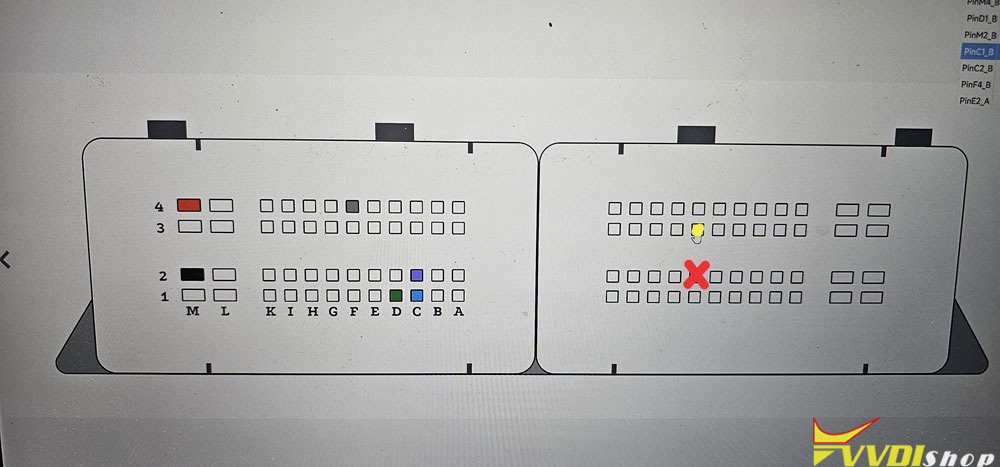
Here is the bench pinout.

Xhorse Multi Prog Read Can-Am Commander ME17.8.5 ECU 2

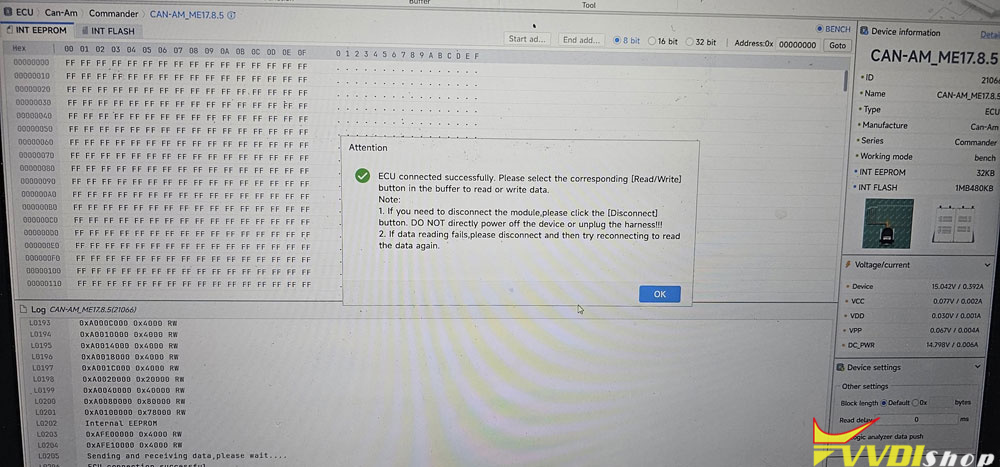
Hit Connect to connect ECU first.

Xhorse Multi Prog Read Can-Am Commander ME17.8.5 ECU 3

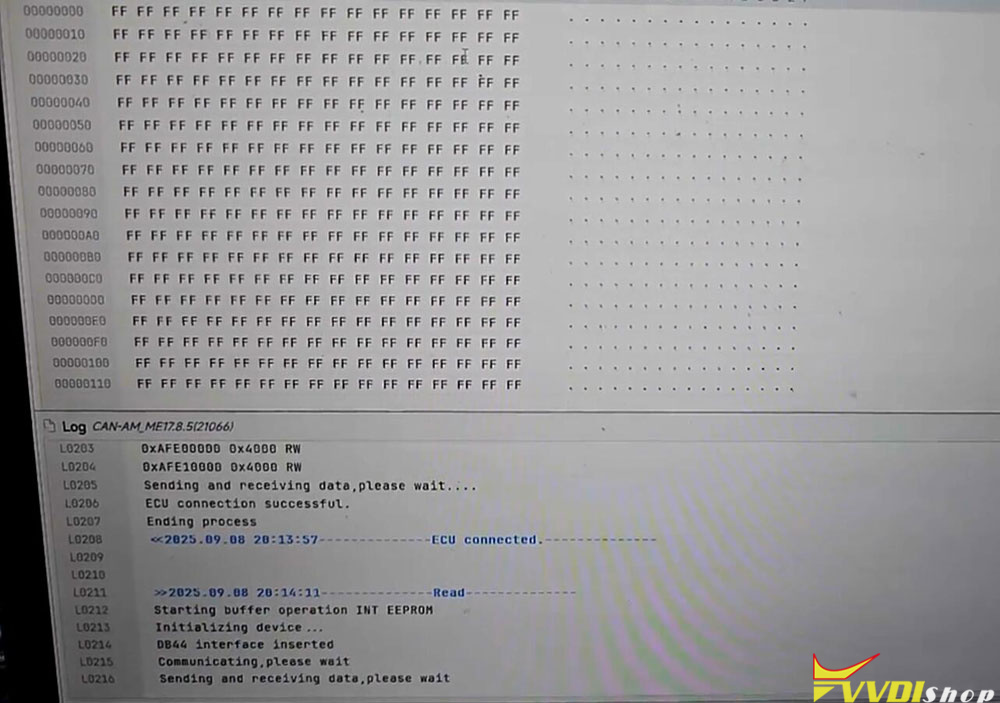
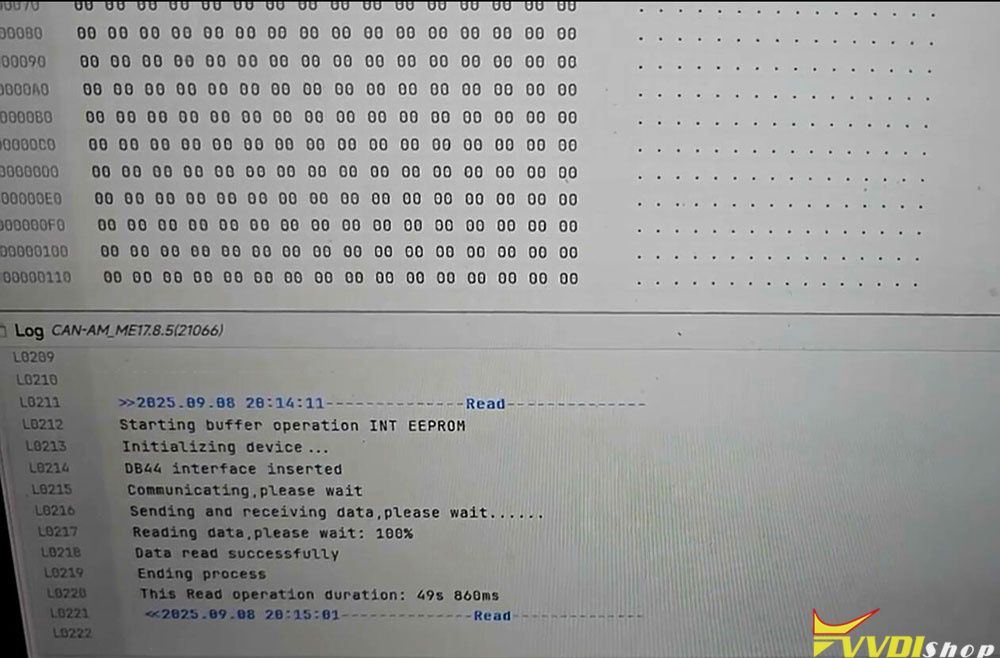
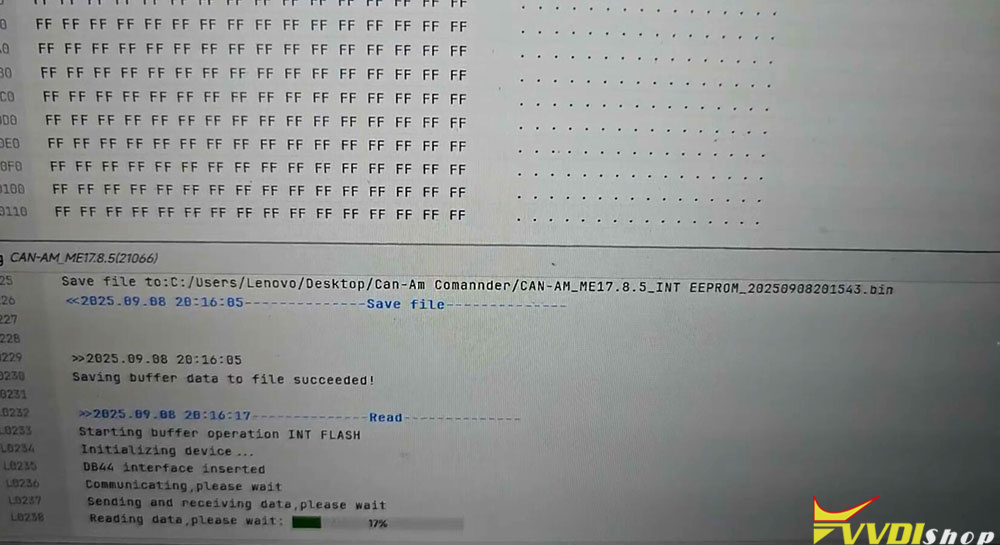
Read INT eeprom successfully.

Xhorse Multi Prog Read Can-Am Commander ME17.8.5 ECU 4

Xhorse Multi Prog Read Can-Am Commander ME17.8.5 ECU 5

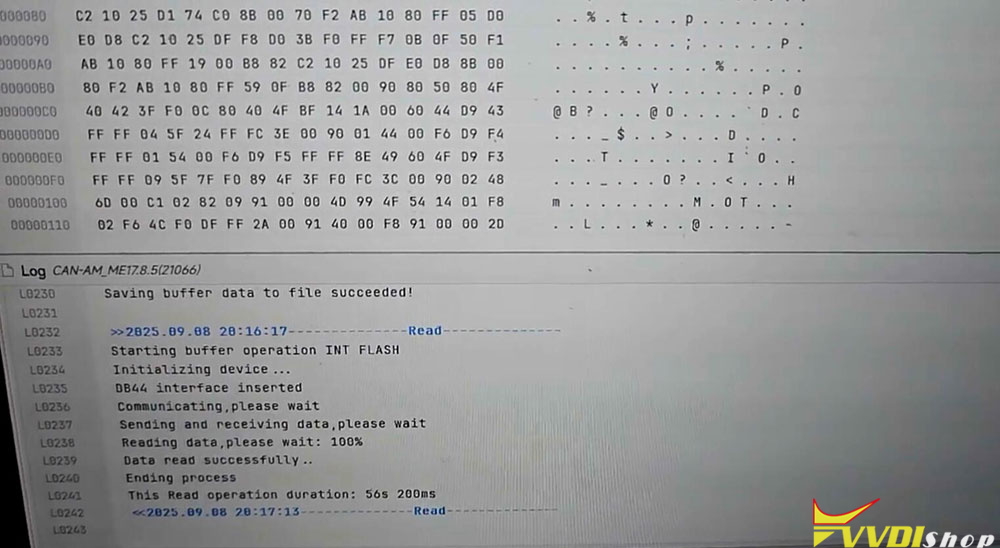
Read INT flash successfully.

Xhorse Multi Prog Read Can-Am Commander ME17.8.5 ECU 6

Xhorse Multi Prog Read Can-Am Commander ME17.8.5 ECU 7

Xhorse Multi Prog Read BMW MSV90 DME ISN

 Xhorse Multi Prog read BMW 520i DME MSV90 ISN code successfully.

Boot mode.

Function:

Read INT eeprom
Read INT flash
Read MAPS
Read EXT EEPROM
Read EXT Flash
Read ISN code.

Xhorse Multi Prog Read BMW MSV90 DME ISN 1

Xhorse Multi Prog Read BMW MSV90 DME ISN 2

Xhorse Multi Prog Read BMW MSV90 DME ISN 3

Xhorse Multi Prog Read BMW MSV90 DME ISN 4

Xhorse Multi Prog Read BMW MSV90 DME ISN 5

Xhorse Multi Prog Read BMW MSV90 DME ISN 6


Xhorse Multi Prog Update Error Command Not Found Solution

 Problem:

What is the problem and could it be fixed? i was just updating Xhorse Multi Prog its the first time to be used.

Error: Obtain file write information error. error code ffffffff, Command not found.

Xhorse Multi Prog Update Error Command Not Found

Solution:

Restart your pc, turn off the antivirus program, update again.

Restart the update normally it should work.

9/04/2025

Xhorse Key Tool Max PRO Unlock Jeep Dodge 4A Remote

 In this test, we take a hands-on look at how the Xhorse VVDI Key Tool Max PRO performs when unlocking a locked Jeep/Dodge 4A remote. This powerful key programming tool continues to impress with its specialized functions and user-friendly design.

Xhorse Key Tool Max PRO Unlock Jeep Dodge 4A Remote 1

Required Accessory:

Xhorse Remote Renew Soldering Cable


To perform remote unlocking procedures, the Xhorse Remote Renew Soldering Cable is essential. This accessory allows direct communication between the remote and the Key Tool Max PRO.


Step-by-Step: Unlocking a Jeep/Dodge 4A Remote

We tested the tool on a locked Jeep/Dodge 4A remote. Here’s how it went:

  1. Read the Transponder

Initially, the tool confirmed the remote was LOCKED.

Xhorse Key Tool Max PRO Unlock Jeep Dodge 4A Remote 2

  1. Connect the Hardware

Using the Remote Renew Cable, we soldered the remote to the Key Tool Max PRO as per the on-screen diagram.

Xhorse Key Tool Max PRO Unlock Jeep Dodge 4A Remote 3

  1. Select the Correct Function

Navigate to:Special Function → Remote Renew → Chrysler & JEEP & Dodge → M3M

Xhorse Key Tool Max PRO Unlock Jeep Dodge 4A Remote 4

Xhorse Key Tool Max PRO Unlock Jeep Dodge 4A Remote 5

Xhorse Key Tool Max PRO Unlock Jeep Dodge 4A Remote 6

Xhorse Key Tool Max PRO Unlock Jeep Dodge 4A Remote 7

  1. Begin Unlock Process

Click “Unlock” and wait while the tool processes the remote.

Xhorse Key Tool Max PRO Unlock Jeep Dodge 4A Remote 8

  1. Completion

After a short time, the tool displayed “Refresh successful”.

Xhorse Key Tool Max PRO Unlock Jeep Dodge 4A Remote 9

  1. Verification

Reading the transponder again confirmed the status was now NOT LOCK.

Xhorse Key Tool Max PRO Unlock Jeep Dodge 4A Remote 10

The Xhorse VVDI Key Tool Max PRO combined with the Remote Renew Cable offers a straightforward, efficient, and reliable solution for unlocking Jeep/Dodge 4A remotes. The process is clear, the hardware is well-designed, and the results are consistent. This tool is a valuable asset for anyone involved in automotive key programming and replacement.


For more information or to purchase, visit:

www.vvdishop.com

9/01/2025

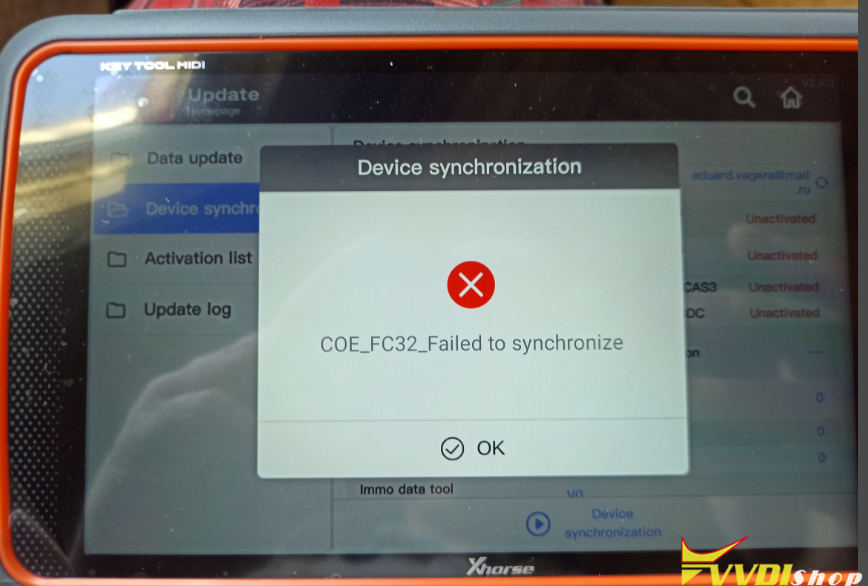
Xhorse Key Tool MINI Firmware Update Error 20_58 Solution

 Problem:

Xhorse Key Tool MIDI asks for firmware update. But failed to update firmware.

Xhorse Key Tool MINI Firmware Update

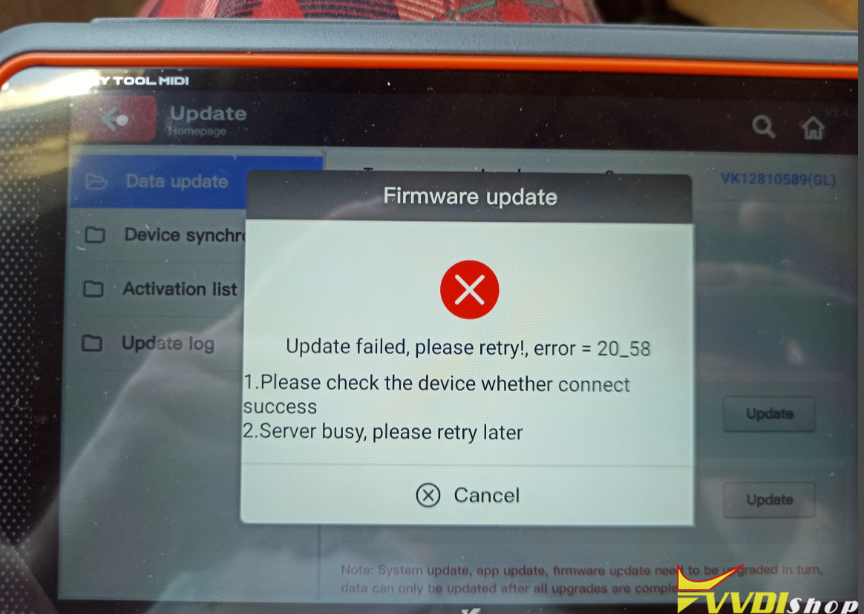
Error 1: Update failed, please retry. error= 20_58.

Xhorse Key Tool MINI Firmware Update Error 20_58 error 1

Error 2:

COE_FC32_Failed to synchronize.

Xhorse Key Tool MINI Firmware Update Error 20_58 error 3

Solution:

Error 20_58 means there is a fatal error with firmware.

You may need a factory repair.